
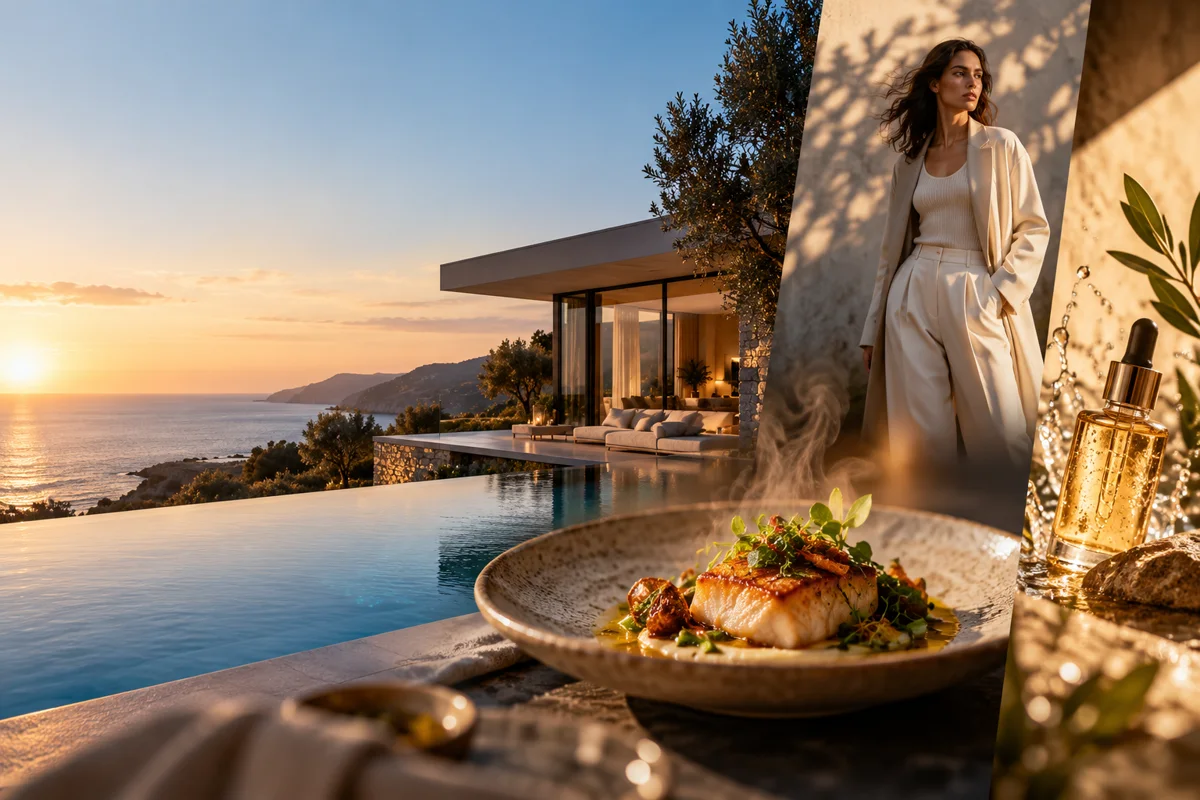
Which AI video use cases can you explore?
Start with the business goal, then open the page that matches the source asset and output format you need.
Marketing & Advertising
- AI UGC Video GeneratorCreator-led vertical product videos.
- AI Video Ad GeneratorShort product ad concepts from prompts and images.
- AI Facebook Video Ad GeneratorFeed, Reels and Stories ad workflows.
- AI Product Video GeneratorEcommerce and product-detail clips.
- AI Amazon Product Video GeneratorMarketplace product hooks and demonstrations.
- AI Etsy Video GeneratorListing videos for handmade and digital sellers.
- AI Shopify Video GeneratorProduct-page and DTC ad clips.
- AI Pinterest Video GeneratorVertical Pin and lifestyle ad concepts.
- AI LinkedIn Video GeneratorB2B feed, company-page and ad clips.
- AI Snapchat Video GeneratorVertical Snap Ad and Story concepts.
- AI B-Roll GeneratorSupporting shots for edits and campaigns.
- AI Video Generator for MarketingCampaign, launch and campaign-visual workflows.
- AI Video Generator for EcommerceProduct, listing and DTC commerce concepts.
Industry & Local Business
- AI Real Estate Video GeneratorListing photos to property clips.
- AI Restaurant Video GeneratorFood, drink and dining-room motion.
- AI Fashion Video GeneratorLookbook and fabric-motion concepts.
- AI Home Services Video GeneratorContractor and job-site ad concepts.
- AI Car Dealership Video GeneratorVehicle photos to inventory clips.
- AI Hotel Video GeneratorRoom, suite and hospitality reveal concepts.
- AI Travel Video GeneratorDestination, tour and travel-agency clips.
- AI Jewelry Video GeneratorMacro product motion for jewelry campaigns.
- AI Architecture Video GeneratorAnimate renders and concept images for design pitches.
- AI Beauty Video GeneratorSkincare, cosmetics and salon motion concepts.
- AI Fitness Video GeneratorGym, studio and trainer promo clips.
- AI Interior Design Video GeneratorRoom, material and furniture motion concepts.
- AI Pet Video GeneratorPet brand, grooming and social clips.
- AI Dental Video GeneratorClinic, equipment and service atmosphere clips.
- AI Video Generator for Small BusinessLocal business, storefront and service promo concepts.
- AI Food Video GeneratorFood product, recipe and menu motion concepts.
Education & Events
- AI Wedding Video GeneratorVenue reveals, details and save-the-date concepts.
- AI Educational Video GeneratorShort visual explanations for complex ideas.
Social & Short Form
- AI Shorts GeneratorVertical clips for Shorts, Reels and TikTok.
- AI TikTok Video GeneratorNative-style product hooks and UGC.
- Faceless Video GeneratorStory and product clips without an on-camera creator.
- Text to Video GeneratorConcept scenes from written prompts.
- AI YouTube Video GeneratorShorts, channel promos and YouTube ad concepts.
- AI Instagram Video GeneratorReels, Stories and feed ad concepts.
- AI Video Generator for Social MediaCompare platform-ready social video workflows.
Models & Workflows
- Image to Video GeneratorFirst-frame motion with visual consistency.
- Seedance 2.5 GeneratorAudio, 1080p and clips up to 30 seconds.
- Kling 3.0 Turbo GeneratorFast 720p drafts at a lower credit cost.
- Seedance vs KlingCompare features, duration and pricing.
- AI Video Generator with AudioSeedance native-audio workflows.
- AI Video Generator Without WatermarkClean exports for social and client delivery.
- Seedance Prompt GuideBuild detailed cinematic prompts.
- Kling Prompt GuideWrite compact short-clip prompts.
- AI Video Generator OnlineBrowser-based generation without installs.
- AI Video Generator for BeginnersStart with a first clip, formats and credits.
Creative Styles
- Cinematic AI Video GeneratorFilm-look lighting and camera direction.
- Anime AI Video GeneratorOriginal anime-inspired scenes.
- Realistic AI Video GeneratorNatural scenes and believable motion.
- AI Cartoon Video Generator2D and 3D animated short concepts.
- AI Gaming Video GeneratorGame trailers, lore and store-page visuals.
- AI Music Video GeneratorVisualizer and concept clips for music releases.
- AI Dance Video GeneratorPhoto-to-dance concepts and short choreography clips.
Brand & Account
- Viewmax Is Now EverygenAccount, credit and rebrand questions.
How do you choose the right AI video use case?
Start with the asset that carries the commercial meaning: a product photo, room photo, vehicle photo or a purely conceptual prompt. The asset determines whether image-to-video or text-to-video is the better workflow and which details need review.
- Use image-to-video for recognizable products, spaces and vehicles.
- Use text-to-video for mood, b-roll, cartoon worlds and experimental concepts.
- Use 9:16 for social-first placements and 16:9 for websites or landscape ads.
- Keep one visual action per generation and assemble a sequence in an editor.
Which use cases fit text-to-video?
Text-to-video fits B-roll, cartoon scenes, atmosphere, faceless stories and product concepts that do not depend on an exact source object. It gives the prompt full control over scene design but offers less protection for real product details.
Use a specific location, subject, action and camera move.
Keep concept clips short enough to preserve visual coherence.
Avoid exact logos, readable text and precise product specifications.
Which use cases need a first-frame image?
First-frame images are the stronger choice for ecommerce products, real estate, restaurants, fashion, home services and car inventory. The source frame anchors the subject while motion, light and camera direction remain generated.
Use a sharp JPG, PNG or WebP with a clear subject silhouette.
Describe what must remain stable before describing the desired movement.
Review packaging, geometry, hands and small details before publishing.
Which aspect ratio should each use case use?
Use 9:16 for TikTok, Reels and Shorts; 1:1 for square social placements; and 16:9 for website hero videos, YouTube and landscape Facebook ads. Both models support all three core ratios.
- Leave safe space for platform controls and captions in vertical video.
- Generate the same visual idea separately for each ratio when possible.
- Do not crop a wide composition if the product detail would become unclear.
What workflow connects Everygen with a finished campaign?
Everygen produces individual shots. A complete campaign still needs edit assembly, captions, music, voiceover, offer details, disclaimers and platform-specific exports. Treat the studio as the visual production step, not a full campaign system.
Plan one hook, one product proof and one call-to-action asset.
Generate several short variations and keep the strongest motion.
Review rights, claims and AI disclosure before paid distribution.
Use-case workflow at a glance
Credit totals use the current Everygen studio settings and are rounded up to a whole credit for each generation.
| Goal | Recommended input | Typical format | Best next page |
|---|---|---|---|
| Product and ecommerce | First-frame product image | 9:16, 1:1 or 16:9 | AI Product Video Generator |
| Local business | Property or job-site image | 9:16 or 16:9 | AI Home Services Video Generator |
| Social ads | Prompt or product image | 9:16 or 1:1 | AI Facebook Video Ad Generator |
| Creative B-roll | Text or first frame | Any supported ratio | AI B-Roll Generator |
What matters most before you generate?
- Start with one clear action and one camera direction so the model has a specific motion to solve.
- Upload a clean first frame whenever product shape or a particular scene must stay consistent.
- Test a short, lower-cost generation before committing to a longer Seedance render.
- Review text, hands, product details, audio and disclosure requirements before publishing.