
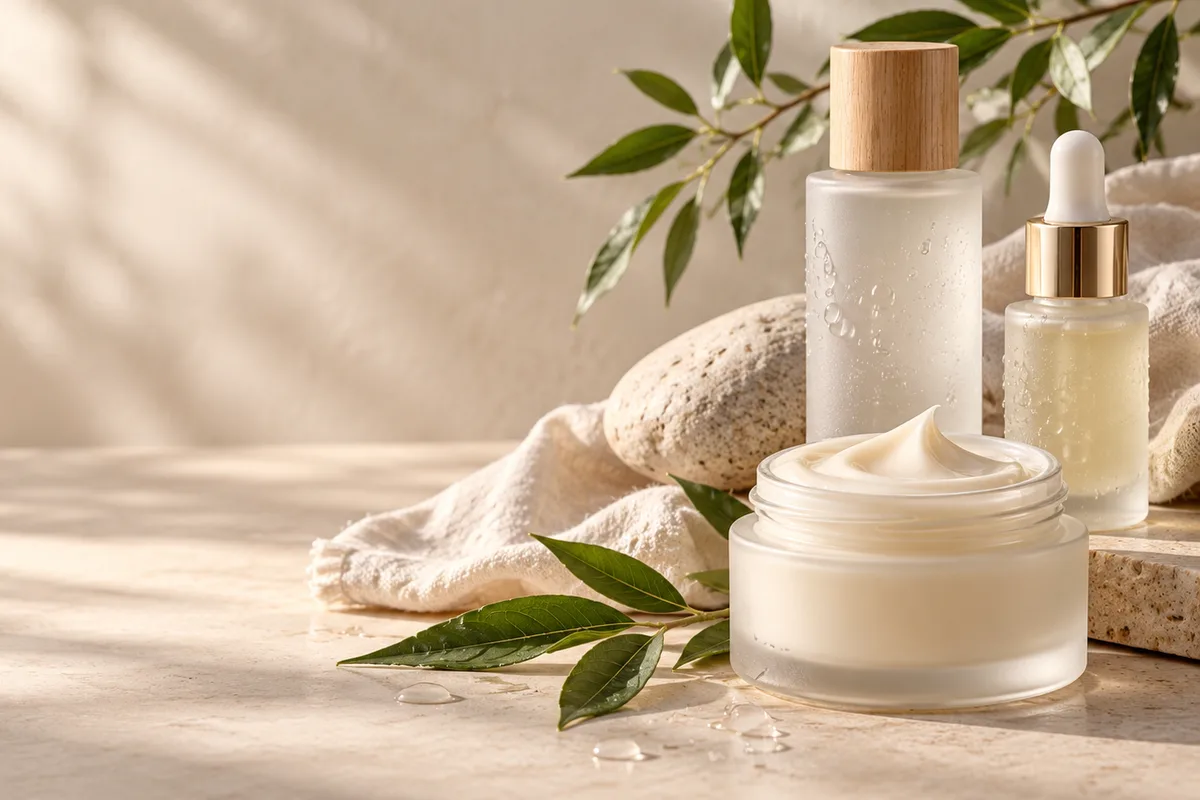
How do beauty brands turn product photos into videos?
Upload a clear product, texture or campaign image as the first frame and describe one motion idea, such as a slow rotation, falling light, cream folding or water beading on glass. The still anchors packaging and color while the prompt controls motion, so keep the requested movement small enough to preserve label placement and product shape.
- Use a sharp image with the full product and cap visible.
- Describe one movement in the product, light or camera.
- Keep exact claims, shade names and prices outside the generated frame.
- Check packaging shape, label position and color against the source.
Which beauty clips work best for social and ecommerce?
Texture macros, product rotations, routine flat lays, water and cream effects and salon atmosphere clips work well as short beauty videos. The strongest approach is one product and one visual idea per clip rather than asking the model to produce a complete campaign with several scenes.
Use 9:16 for Reels, TikTok and Shorts product hooks.
Use 1:1 for feed placements and product grids.
Use 16:9 for ecommerce banners and brand-site hero videos.
Keep faces secondary when exact identity or makeup placement matters.
How can you keep packaging and shade details consistent?
Start from the approved product image and name the elements that must remain fixed: bottle silhouette, cap shape, label position, shade and finish. Avoid prompts that ask the model to redesign the package, open a closed container or invent a new product line. Review every frame against the approved asset before publishing.
- Describe a camera or light move rather than rebuilding the product in text.
- Avoid asking the model to add ingredients, claims or certifications.
- Keep hands and faces out of frame when product detail is the priority.
- Use the original product photo for legal, ecommerce and shade review.
Should beauty clips use Seedance 2.5 or Kling 3.0 Turbo?
Kling 3.0 Turbo is a low-cost way to test short 720p texture and product motion. Seedance 2.5 is better when the final concept needs 1080p, a longer duration, additional aspect ratios or native ambience. Neither model guarantees exact packaging or ingredient representation.
Kling 3.0 Turbo costs 9 credits for 4 seconds and 18 credits for 8 seconds at 720p.
Seedance 2.5 costs 16 credits for 4 seconds at 720p and 18 credits at 1080p.
Test one product and one texture before producing a full campaign set.
What can Everygen not guarantee for beauty content?
Everygen does not guarantee that packaging, labels, shades, textures, ingredients or applicators will match the real product. It does not create medical, dermatological or before-and-after efficacy evidence, and it does not verify claims, certifications or regulatory text. Generated clips remain visual concepts until a human reviews them against the approved product and claims.
Use real product photography for exact shade, label and packaging representation.
Do not present generated skin results as proof of a cosmetic or medical outcome.
Add claims, disclaimers and ingredient information in an editor.
Disclose synthetic imagery where the platform or brand requires it.
What are good prompt examples?
Strong prompts describe a visible action, one location and one camera direction. Adapt the subject and product details rather than copying a prompt without checking the result.
Cream texture macro
Macro beauty clip of a thick ivory cream folding slowly on a warm stone surface, soft window light moves across the texture, delicate highlights, shallow depth of field, unbranded product, no text or logos.
Skincare bottle rotation
Slow half rotation of an unbranded frosted glass skincare bottle on a pale linen surface, soft morning light, subtle shadow movement, preserve bottle silhouette and cap shape, clean editorial product video, no labels.
Salon atmosphere
Gentle camera glide across a calm modern beauty studio, unbranded amber bottles, folded towels and green foliage, warm diffused light, sheer curtain movement, preserve room layout, no people or readable text.
Beauty clip credit comparison
Credit totals use the current Everygen studio settings and are rounded up to a whole credit for each generation.
| Model | Length | Resolution | Credits |
|---|---|---|---|
| Kling 3.0 Turbo | 4 sec | 720p | 9 |
| Kling 3.0 Turbo | 8 sec | 720p | 18 |
| Seedance 2.5 | 4 sec | 720p | 16 |
| Seedance 2.5 | 4 sec | 1080p | 18 |
What matters most before you generate?
- Start with one clear action and one camera direction so the model has a specific motion to solve.
- Upload a clean first frame whenever product shape or a particular scene must stay consistent.
- Test a short, lower-cost generation before committing to a longer Seedance render.
- Review text, hands, product details, audio and disclosure requirements before publishing.