
What is an AI product video generator?
An AI product video generator creates motion from a product reference or written visual brief. Everygen focuses on generating short product scenes; it does not ingest a product URL or create a complete multi-scene commercial automatically.
Use it for product reveals, detail shots, atmospheric demonstrations and simple use-in-context moments.
Keep exact prices, legal copy, logos and long descriptions in an editor rather than generated frames.
Can Everygen turn a product image into a video?
Yes. Upload a JPG, PNG or WebP image as the first frame, then describe the camera movement, environment and physical action. A sharp product image with a clear silhouette produces the most controlled result.
- Use a clean packshot when packaging shape must remain recognizable.
- Use a lifestyle image when you want existing context to come alive through camera motion.
- Avoid small text or detailed labels that must remain pixel-perfect.
- Describe one action: rotate, reveal, splash, open, unbox or move into frame.
Which product videos can ecommerce teams create?
Create product reveals, detail loops, seasonal campaign shots, UGC-style scenes and simple demonstrations. Each output is a short generated shot, so build multi-scene videos by generating separate clips and editing them together.
- 9:16 for TikTok Shop, Reels and Stories.
- 1:1 for square feed listings and product cards.
- 16:9 for product pages, YouTube and website hero video.
- Seedance for audio, 1080p and clips up to 30 seconds.
How do you keep a generated product accurate?
Use the real product as the first frame, keep motion restrained and review shape, color, accessories and packaging before export. Generation can alter small details, so keep text and legal information outside the model.
Avoid multiple camera angles or transformations in one short prompt.
Choose a clean background when product silhouette is the priority.
Use short drafts to test difficult hands, reflective packaging or transparent materials.
How much does an AI product video cost?
A four-second Kling 3.0 Turbo product shot costs 9 credits. A four-second Seedance 2.5 clip costs 16 credits at 720p and 18 credits at 1080p. Thirty seconds of Seedance at 1080p costs 132 credits.
Starter includes 900 monthly credits, Pro includes 1,900 and Creator includes 3,800.
Annual Starter billing currently starts at $9 per month.
What are good prompt examples?
Strong prompts describe a visible action, one location and one camera direction. Adapt the subject and product details rather than copying a prompt without checking the result.
Beverage macro
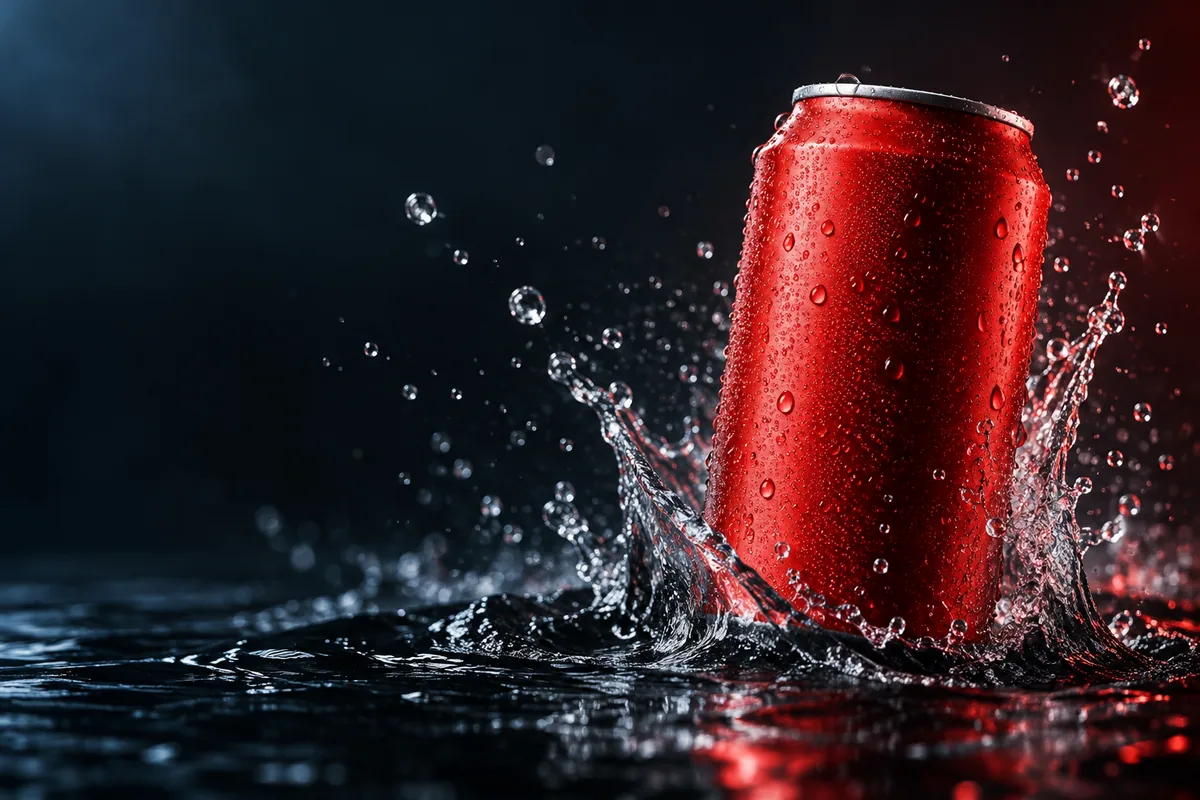
Macro commercial shot of a matte red unbranded can rising from shallow black water, suspended droplets, ruby and blue rim light, locked camera, one product reveal, premium realistic texture.
Skincare texture
A translucent skincare gel ribbon moves slowly across warm beige glass, soft macro lighting, fine product texture, overhead camera, restrained motion, no labels or text.
Sneaker in context
Low tracking shot of an unbranded white running shoe stepping through a shallow rain puddle at blue hour, crisp splash, wet pavement reflections, realistic product detail, 16:9.
Product video credit examples
Credit totals use the current Everygen studio settings and are rounded up to a whole credit for each generation.
| Use | Model | Duration | Credits |
|---|---|---|---|
| Fast feed draft | Kling 3.0 Turbo | 4 sec · 720p | 9 |
| Vertical product shot | Seedance 2.5 | 8 sec · 1080p | 35 |
| Website hero | Seedance 2.5 | 15 sec · 1080p | 66 |
| Long product scene | Seedance 2.5 | 30 sec · 1080p | 132 |
What matters most before you generate?
- Start with one clear action and one camera direction so the model has a specific motion to solve.
- Upload a clean first frame whenever product shape or a particular scene must stay consistent.
- Test a short, lower-cost generation before committing to a longer Seedance render.
- Review text, hands, product details, audio and disclosure requirements before publishing.