
How do you generate a video ad with AI?
Create one clear commercial beat at a time: a product reveal, a use-in-context shot or a single visual transformation. Everygen generates from text or a first-frame product image, so the strongest workflow separates the hook, product proof and call to action into distinct clips.
- Choose the placement ratio before generating: 9:16 for Stories and Shorts, 1:1 for feeds, or 16:9 for landscape placements.
- Choose Seedance 2.5 when you need audio, 1080p or a clip longer than 15 seconds.
- Choose Kling 3.0 Turbo when 720p and a lower credit cost are the priority.
- Edit offers, prices, legal text and final calls to action outside the generated frame.
Can Everygen turn a product image into a video ad?
Yes. The first-frame workflow accepts a JPG, PNG or WebP product image. It works best when the source image has a clear product silhouette and enough background context for believable motion.
For a packshot, use a clean cutout or a simple product composition and describe the camera movement, lighting and environment you want around it.
For a lifestyle image, keep the original subject and focus the prompt on motion, parallax, fabric movement, liquid, steam or a controlled camera push.
Do not rely on generation to reproduce small legal copy, exact label text or a precise logo. Composite those elements in a design tool after export.
Which aspect ratio should an AI video ad use?
Use 9:16 for TikTok, Reels, Shorts and Stories; 16:9 for YouTube and landscape web placements; and 1:1 for square feed inventory. Both Everygen models support all three ratios.
- Design the product to occupy the central safe area in 9:16 so platform controls do not cover it.
- Leave clean space for headlines and captions rather than asking the image model to render text.
- Generate the same concept at each ratio when possible so the campaign feels consistent across placements.
How much do Everygen video ads cost?
A four-second Kling 3.0 Turbo ad costs 9 credits. A four-second Seedance 2.5 clip costs 16 credits at 720p and 18 credits at 1080p. A thirty-second Seedance 1080p clip costs 132 credits.
Short hooks are the most credit-efficient way to test because a four-second variation costs a fraction of a full thirty-second render.
The Starter plan includes 900 monthly credits, Pro includes 1,900 and Creator includes 3,800. Annual billing starts at $9 per month for Starter.
What should you check before publishing an AI ad?
Check that the generated product matches the real item, every spoken or visual claim is supportable and the final export complies with the advertising platform’s rules. Generated video should pass the same legal and brand review as filmed creative.
- Verify product color, packaging, accessories, scale and use instructions.
- Remove invented claims, prices, guarantees or testimonials.
- Add AI disclosure where the platform or applicable law requires it.
- Check that no recognizable celebrity or third-party character appears unintentionally.
What are good prompt examples?
Strong prompts describe a visible action, one location and one camera direction. Adapt the subject and product details rather than copying a prompt without checking the result.
Beverage hero
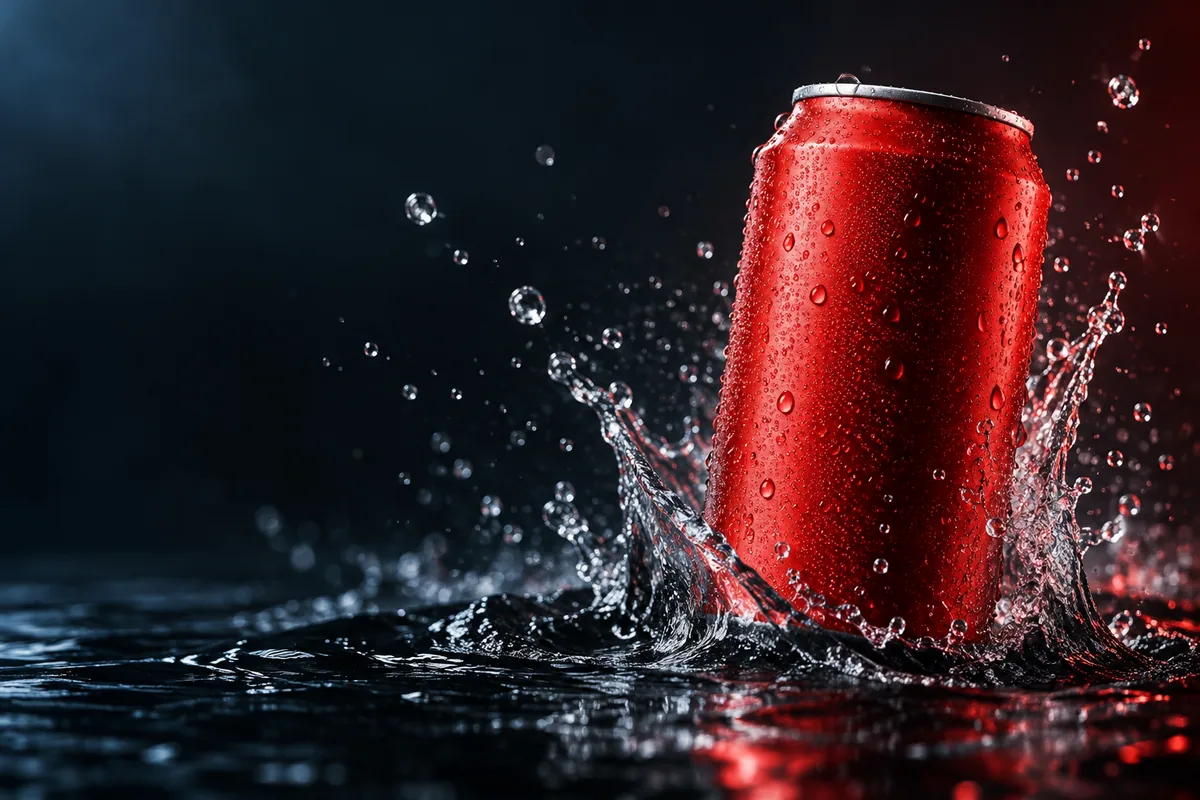
Premium macro commercial of an unbranded red can rising from shallow black water, crystal droplets, cool blue rim light, ruby reflections, camera slowly pushes in, product stays in the right half of the frame, no text.
Skincare texture
A translucent skincare gel ribbon folds slowly across a warm beige glass surface, soft morning light, fine texture detail, luxurious but realistic, overhead macro shot, slow lateral camera move, no labels.
Sneaker street scene
Low tracking shot of an unbranded white running shoe stepping through a shallow rain puddle at blue hour, crisp splash, wet pavement reflections, motion controlled and cinematic, 16:9.
Video ad cost examples
Credit totals use the current Everygen studio settings and are rounded up to a whole credit for each generation.
| Model | Clip | Ratio | Credits |
|---|---|---|---|
| Kling 3.0 Turbo | 4 sec · 720p | 9:16 | 9 |
| Seedance 2.5 | 4 sec · 720p | 1:1 | 16 |
| Seedance 2.5 | 8 sec · 1080p | 16:9 | 35 |
| Seedance 2.5 | 30 sec · 1080p | 9:16 | 132 |
What matters most before you generate?
- Start with one clear action and one camera direction so the model has a specific motion to solve.
- Upload a clean first frame whenever product shape or a particular scene must stay consistent.
- Test a short, lower-cost generation before committing to a longer Seedance render.
- Review text, hands, product details, audio and disclosure requirements before publishing.