
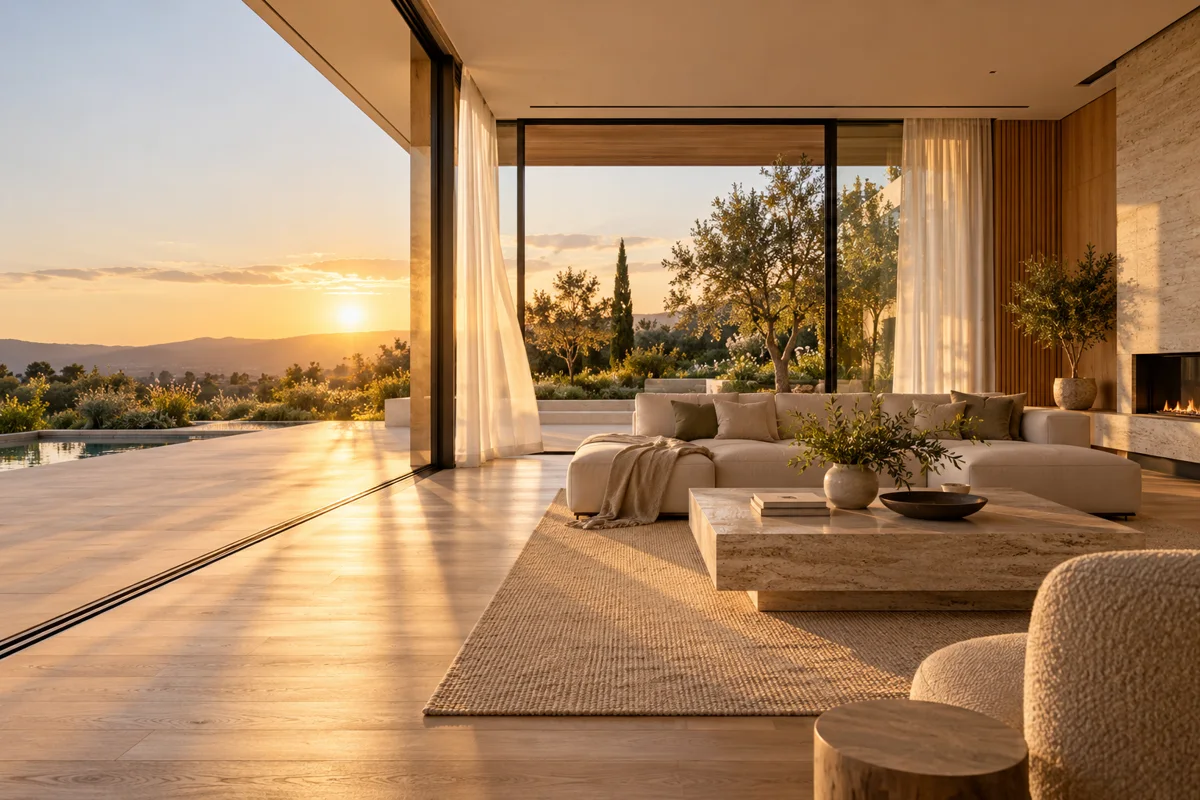
Can you turn listing photos into videos with AI?
Yes. Use a sharp listing photo as the first frame and describe a restrained camera move such as a slow push-in, lateral glide or small reveal. The source image anchors the room layout while the prompt controls motion, light and atmosphere.
- Use one room, one exterior view or one design detail per generation.
- Keep windows vertical, counters level and furniture proportions stable.
- Describe ambient movement such as curtains, warm light or distant foliage.
- Avoid asking the model to invent additional rooms from a single still.
Which clips work for a real estate listing?
The strongest listing set combines a slow room push-in, a detail pan, an exterior reveal and one vertical social hook. Short clips work best because each generation can focus on a single movement and a single architectural idea.
For a kitchen or living room, use a 4–8 second push-in with subtle sunlight movement.
For a pool, balcony or garden, use a lateral move or gentle rise that keeps the building edge stable.
For a hallway or entrance, use a forward glide rather than a dramatic orbit that can distort doorways.
For Reels, TikTok and Shorts, generate 9:16; use 16:9 for property websites and YouTube.
How do you write a real estate video prompt?
Name the room, the movement and the lighting in that order. A useful prompt is: “slow forward glide through a sunlit living room, curtains moving gently, keep furniture and window frames stable, warm late-afternoon light.”
- Start with the subject and the camera movement.
- State what must remain stable: walls, windows, counters or the product silhouette.
- Keep the action subtle enough for a four-to-eight second shot.
- Do not request readable signs, addresses, text or exact logos in the generated frame.
Should real estate clips use Seedance 2.5 or Kling 3.0 Turbo?
Choose Kling 3.0 Turbo for fast 720p concept drafts and Seedance 2.5 when you need native audio, 1080p or clips longer than 15 seconds. Both models accept a first-frame image; Seedance supports more aspect ratios.
A 4-second 720p Kling draft costs 9 credits; a 15-second clip costs 34 credits.
A 4-second 720p Seedance clip costs 16 credits; an 8-second preview costs 32 credits.
Generate short drafts first. Moving walls, warped cabinetry and changing room layouts are reasons to revise the prompt or source image.
What can Everygen not do for real estate?
Everygen does not import a listing URL, read a floor plan, create a true 360-degree tour or guarantee that generated footage matches the physical property. Treat output as an editorial motion concept, not a substitute for accurate listing media.
Use professionally shot photos and verify every architectural detail before publishing.
Disclose AI-generated motion where required by the listing platform, broker or local rules.
Do not add amenities, views or property features that are absent from the source image.
What are good prompt examples?
Strong prompts describe a visible action, one location and one camera direction. Adapt the subject and product details rather than copying a prompt without checking the result.
Sunlit room push-in
Slow forward camera glide through a modern living room toward large garden windows, sheer curtains moving gently, warm late-afternoon sunlight, keep furniture and window frames stable, photorealistic real-estate footage.
Kitchen detail pan
Gentle left-to-right camera pan across a stone kitchen island, a linen towel moves slightly, natural window light, keep cabinet lines and appliance shapes fixed, premium listing video.
Exterior reveal
Slow vertical reveal from a landscaped garden to a contemporary house facade, leaves move in a light breeze, golden-hour light, keep the building geometry and roof line stable.
Real estate clip planning guide
Credit totals use the current Everygen studio settings and are rounded up to a whole credit for each generation.
| Shot | Best movement | Suggested length | Format |
|---|---|---|---|
| Living room | Slow forward glide | 4–8 sec | 16:9 or 9:16 |
| Kitchen detail | Lateral pan | 4–6 sec | 9:16 |
| Exterior reveal | Gentle rise | 6–10 sec | 16:9 |
| Social hook | Fast push-in | 4 sec | 9:16 |
What matters most before you generate?
- Start with one clear action and one camera direction so the model has a specific motion to solve.
- Upload a clean first frame whenever product shape or a particular scene must stay consistent.
- Test a short, lower-cost generation before committing to a longer Seedance render.
- Review text, hands, product details, audio and disclosure requirements before publishing.