
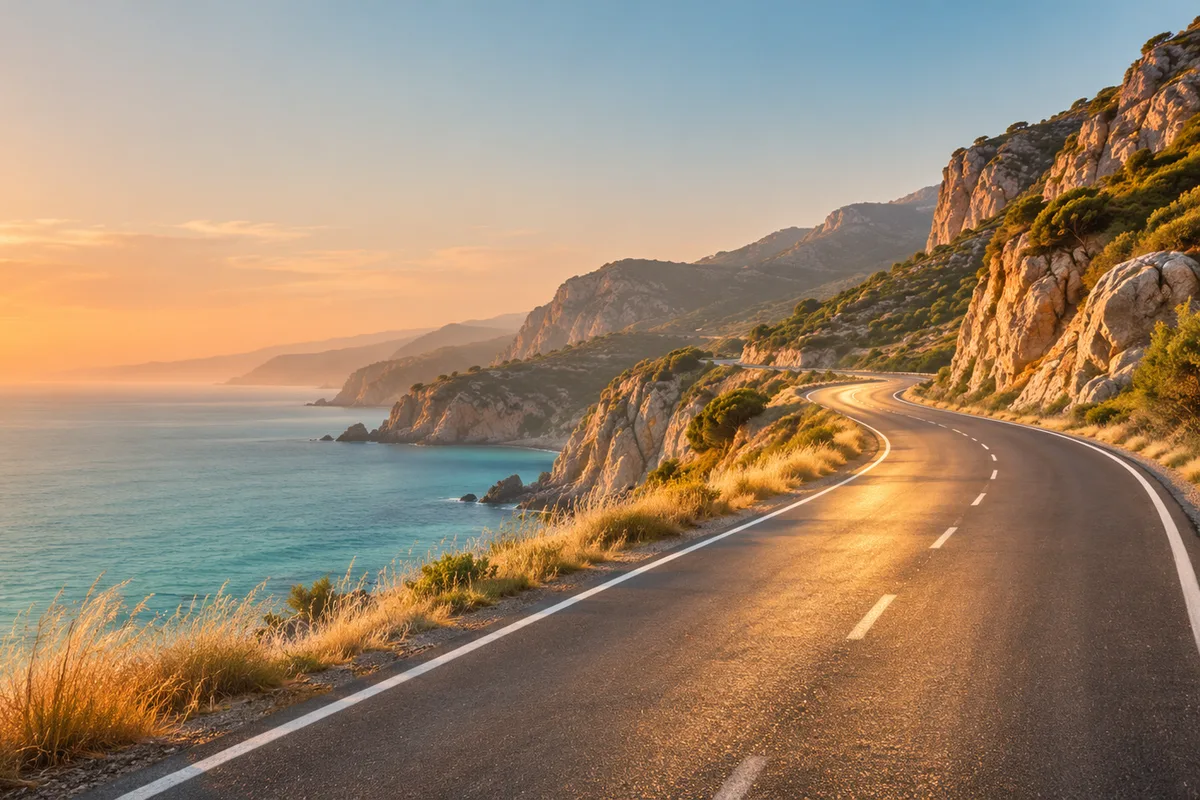
How do travel brands turn destination photos into videos?
Upload a clear destination, property or experience photo as the first frame and describe one motion idea, such as a slow push toward the coastline, light moving across a terrace or water rippling in a quiet bay. The still anchors the location while the prompt adds atmosphere without staging a full trip or claiming a specific departure.
- Use a sharp, high-resolution destination or property image.
- Describe one camera or environmental movement.
- Keep dates, prices and itinerary claims outside the generated frame.
- Verify landmarks, coastlines and property details against the real location.
Which travel clips work best for tours and agencies?
Destination reveals, hotel and resort atmosphere, transport details, local food scenes and activity teasers work well as short travel clips. The strongest approach is one place and one feeling per clip rather than asking the model to produce a complete multi-stop itinerary in a few seconds.
Use 16:9 for destination pages, YouTube and travel-agency decks.
Use 9:16 for Reels, TikTok and Shorts destination hooks.
Use water, cloud and light movement to make stills feel alive.
Keep people secondary when exact identity or location proof matters.
How can you show a destination without filming on location?
Use existing destination or property photography as the visual anchor and animate light, water, clouds or a restrained camera glide. This creates a clean concept clip without claiming a real trip or a specific date. Use verified footage and current travel information whenever the post must represent the actual experience.
- Use one photo per destination, activity or room.
- Avoid prompts that add landmarks, amenities or activities not in the source.
- Keep movement gentle so coastlines, buildings and horizon lines remain stable.
- Use real footage when a post must prove a place, tour or condition.
Should travel clips use Seedance 2.5 or Kling 3.0 Turbo?
Kling 3.0 Turbo is a lower-cost way to test short 720p destination motion. Seedance 2.5 is better when the final concept needs 1080p, a longer duration, additional aspect ratios or native ambience. Neither model guarantees landmark accuracy or real-world travel conditions.
Kling 3.0 Turbo costs 9 credits for 4 seconds and 18 credits for 8 seconds at 720p.
Seedance 2.5 costs 16 credits for 4 seconds at 720p and 18 credits at 1080p.
Test one destination and one atmosphere clip before producing a full campaign set.
What can Everygen not guarantee for travel content?
Everygen does not guarantee that landmarks, coastlines, buildings, room layouts, weather or local details will match the real destination. It does not import booking URLs, itineraries or availability, and it does not verify prices, schedules, visas or safety information. Generated clips are visual concepts, not proof of a trip or a bookable offer.
Use verified destination photography and current operator information for booking pages.
Do not present generated footage as evidence of a specific departure or condition.
Add prices, dates, availability and legal text in an editor.
Disclose synthetic imagery where the platform or destination requires it.
What are good prompt examples?
Strong prompts describe a visible action, one location and one camera direction. Adapt the subject and product details rather than copying a prompt without checking the result.
Coastal road reveal
Slow cinematic drone-style push along an empty coastal road at golden hour, calm turquoise sea on one side and dry native grasses on the other, soft light across the asphalt, gentle heat shimmer, preserve road geometry and horizon, no people, text or logos.
Alpine village atmosphere
Gentle camera glide toward an unbranded alpine village at sunrise, timber chalets, soft mist moving between pine trees, warm light on distant peaks, slow cloud drift, preserve building shapes and valley lines, no people or readable signs.
Desert dune detail
Low camera move across sculpted desert dunes at late afternoon, fine sand drifting from a ridge, long shadows and warm orange light, minimal composition, preserve dune ridges and horizon, no people, vehicles, text or logos.
Travel clip credit comparison
Credit totals use the current Everygen studio settings and are rounded up to a whole credit for each generation.
| Model | Length | Resolution | Credits |
|---|---|---|---|
| Kling 3.0 Turbo | 4 sec | 720p | 9 |
| Kling 3.0 Turbo | 8 sec | 720p | 18 |
| Seedance 2.5 | 4 sec | 720p | 16 |
| Seedance 2.5 | 4 sec | 1080p | 18 |
What matters most before you generate?
- Start with one clear action and one camera direction so the model has a specific motion to solve.
- Upload a clean first frame whenever product shape or a particular scene must stay consistent.
- Test a short, lower-cost generation before committing to a longer Seedance render.
- Review text, hands, product details, audio and disclosure requirements before publishing.