
How do you create a Facebook video ad with AI?
Choose the placement first, then build one clear visual hook around the product or service. Everygen produces the shot; captions, offer copy, disclaimers and campaign setup remain part of your normal Meta creative workflow.
- Use 9:16 for Reels and Stories, 1:1 for square Feed, and 16:9 for landscape placements.
- Start with a product image when packaging or appearance must stay recognizable.
- Generate several short hooks instead of one long unfocused scene.
What makes a strong Facebook video ad hook?
A strong hook shows the product, action or problem immediately. A hand-held product demonstration, texture reveal, before-and-after motion or unexpected camera move usually communicates faster than a static packshot.
Keep the product visible in the opening frame.
Use one recognizable action rather than a sequence of cuts.
Leave room for captions that work with sound off.
Do not imply results, testimonials or endorsements the business cannot prove.
Which aspect ratio should a Facebook video ad use?
Use 9:16 for full-screen Reels and Stories, 1:1 for square Feed placements and 16:9 for landscape video. Everygen does not currently generate a native 4:5 file, so plan the crop in your editor when that placement is required.
Keep important product and text elements out of platform overlay areas.
Generate the same concept separately for 9:16 and 1:1 when both are needed.
Avoid relying on generated frames for exact legal text or prices.
How do you write a Facebook product ad prompt?
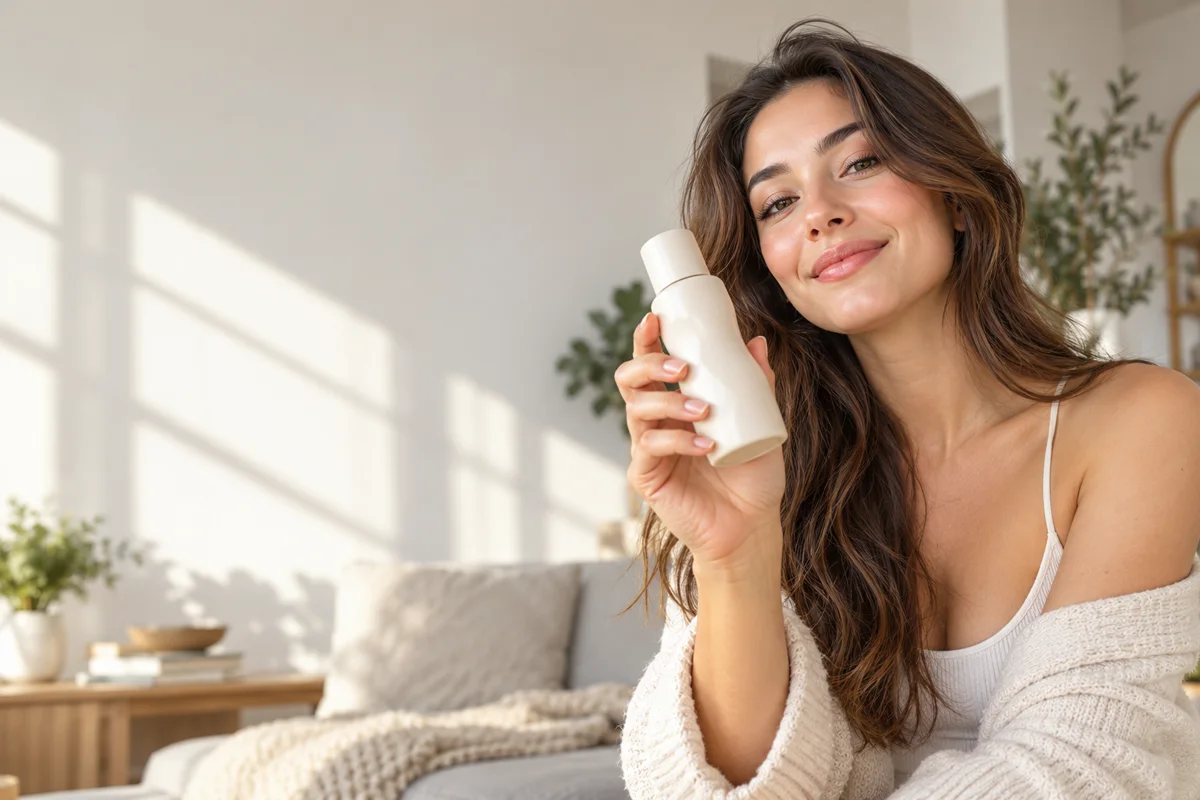
Describe a creator or camera angle, the product, one action and the desired natural setting. For example: “anonymous adult creator in a sunlit kitchen shows a generic glass bottle toward a handheld camera, one slow twist, authentic social-video framing.”
- State the camera format: selfie, desk demo, macro insert or product reveal.
- Give hands one simple action to complete.
- Use natural light and a familiar environment for creator-led concepts.
- Avoid exact logos, labels and text unless composited afterward.
What should you check before publishing the ad?
Check hands, faces, product shape, claims, rights and Meta’s synthetic-media and advertising policies. Everygen does not provide an AI actor library, automatic lip-sync or a campaign-building interface.
Use only factual claims and rights-cleared product imagery.
Composite prices, offers, disclaimers and calls to action after generation.
Add music and captions with the rights and formats required for each placement.
What are good prompt examples?
Strong prompts describe a visible action, one location and one camera direction. Adapt the subject and product details rather than copying a prompt without checking the result.
Feed product demonstration
Anonymous adult creator at a bright kitchen counter demonstrates an unbranded glass bottle toward a camera, one simple wrist turn, natural window light, realistic social-video framing, preserve hands and bottle shape, no text.
Reels texture hook
Macro hand-held shot of a generic skincare cream being dispensed onto fingertips, smooth texture swatch, fast natural push-in, soft bathroom window light, believable UGC motion, no labels or logos.
Landscape product reveal
Unbranded matte black headphones rotate slightly on a warm stone surface as side light shifts, slow cinematic push-in, clean negative space for later captions, premium product ad, no brand marks.
Facebook placement guide
Credit totals use the current Everygen studio settings and are rounded up to a whole credit for each generation.
| Placement | Useful ratio | Hook idea | Suggested model |
|---|---|---|---|
| Feed | 1:1 | Product in hand | Kling draft |
| Reels | 9:16 | Texture or reveal | Seedance |
| Stories | 9:16 | Fast problem/action | Kling draft |
| Landscape video | 16:9 | Slow cinematic reveal | Seedance |
What matters most before you generate?
- Start with one clear action and one camera direction so the model has a specific motion to solve.
- Upload a clean first frame whenever product shape or a particular scene must stay consistent.
- Test a short, lower-cost generation before committing to a longer Seedance render.
- Review text, hands, product details, audio and disclosure requirements before publishing.