
How do artists use AI video for music visuals?
Generate one atmosphere, environment or abstract sequence, then cut it to the song in an editor. Everygen is useful for visualizer backgrounds, lyric-video scenes, release teasers and social snippets, while the actual beat sync, lyrics and final timing remain in your editing workflow.
- Choose one mood or visual world per release.
- Generate several short clips for an edit rather than one long scene.
- Keep lyrics and release text outside the generated frame.
- Add music, beat sync and transitions in your editor.
Which music clips fit Everygen?
Visualizer loops, abstract light and particle scenes, night drives, stage atmosphere, landscape moods and stylized lyric-video backgrounds fit the current studio. Performance footage, lip-sync, dance choreography, full song narratives and beat-matched edits do not.
Use 16:9 for YouTube visualizers and release videos.
Use 9:16 for Shorts, Reels and TikTok teasers.
Use looping-friendly motion for visualizer backgrounds.
Keep the final song, lyrics and beat timing in your editor.
How do you keep visuals consistent with a release?
Define a small visual palette, location and motion language before generating clips. Use a first-frame image or a consistent prompt structure, avoid introducing unrelated scenes, and review every clip against the artist and release direction so the final edit feels like one body of work.
- Lock a color palette, texture and camera style.
- Reuse the same source image or prompt structure across clips.
- Avoid readable text, logos and identifiable real people.
- Review for unintended symbols, faces or brand marks.
Should music visuals use Seedance 2.5 or Kling 3.0 Turbo?
Kling 3.0 Turbo is a lower-cost way to test short 720p visualizer motion. Seedance 2.5 is better when the final concept needs 1080p, a longer duration, additional aspect ratios or native ambience. Neither model syncs to a song or produces a complete music video.
Kling 3.0 Turbo costs 9 credits for 4 seconds and 18 credits for 8 seconds at 720p.
Seedance 2.5 costs 16 credits for 4 seconds at 720p and 18 credits at 1080p.
Test one visual world before generating a full set of clips.
What can Everygen not do for music videos?
Everygen cannot upload or analyze a song, detect beats, sync cuts to music, generate a full-length music video or provide lip-sync and performance footage. It does not guarantee visual consistency across clips and does not license music, artist likeness or copyrighted characters. The final video requires a human editor.
Do not use copyrighted music, artist likeness or protected characters without rights.
Add beat sync, lyrics and transitions in an editor.
Review every clip for unintended faces, symbols or brand marks.
Disclose synthetic visuals where the platform or release requires it.
What are good prompt examples?
Strong prompts describe a visible action, one location and one camera direction. Adapt the subject and product details rather than copying a prompt without checking the result.
Neon stage atmosphere
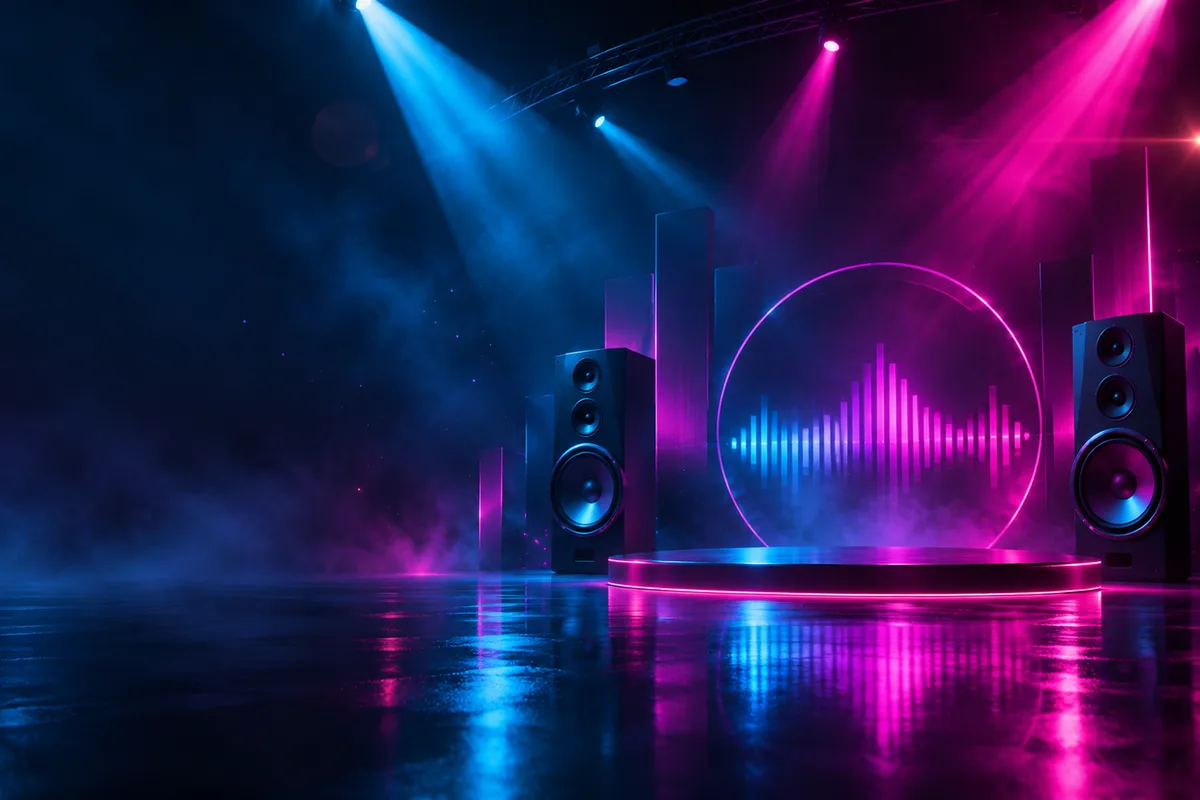
Slow cinematic push through an empty abstract stage at night, deep blue and magenta light beams cutting through haze, reflective black floor, subtle lens flares, no people, instruments, text, logos or readable signage, moody music-visualizer aesthetic.
Cosmic visualizer loop
Abstract cosmic visualizer with slow-moving nebulae, fine particles and soft light ribbons in violet and teal, smooth looping motion, deep space atmosphere, no planets with recognizable labels, text, logos or characters.
Night drive mood
Rear-facing cinematic shot down an empty city highway at night, distant lights and rain reflections, slow camera drift, moody teal and amber palette, no readable signs, license plates, people or brand marks, music-video atmosphere.
Music clip credit comparison
Credit totals use the current Everygen studio settings and are rounded up to a whole credit for each generation.
| Model | Length | Resolution | Credits |
|---|---|---|---|
| Kling 3.0 Turbo | 4 sec | 720p | 9 |
| Kling 3.0 Turbo | 8 sec | 720p | 18 |
| Seedance 2.5 | 4 sec | 720p | 16 |
| Seedance 2.5 | 4 sec | 1080p | 18 |
What matters most before you generate?
- Start with one clear action and one camera direction so the model has a specific motion to solve.
- Upload a clean first frame whenever product shape or a particular scene must stay consistent.
- Test a short, lower-cost generation before committing to a longer Seedance render.
- Review text, hands, product details, audio and disclosure requirements before publishing.