
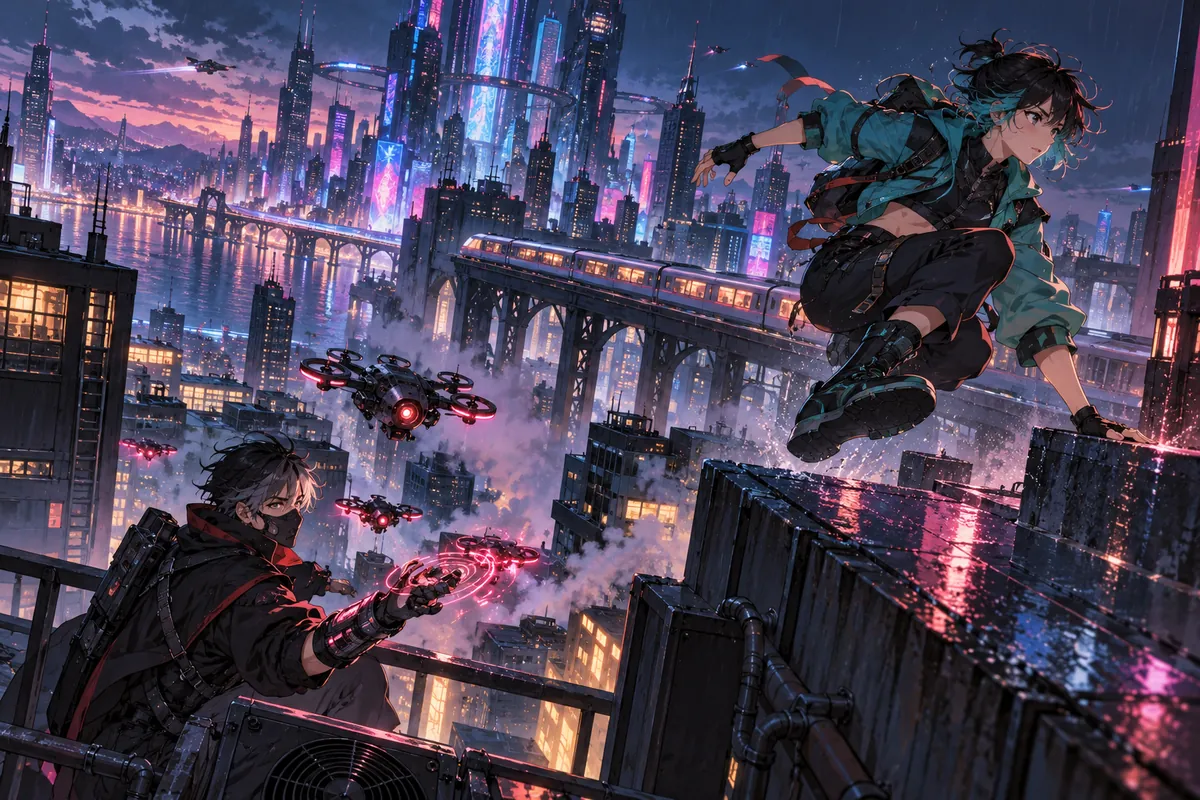
What is an anime AI video generator?
It creates a new animated-style clip from a text description or a first-frame image. Everygen does not provide a preset library of licensed anime characters; each scene is generated from your prompt and the model’s interpretation of that style.
Use it for original short scenes, mood pieces, action beats and stylized product or music visuals.
Keep exact character designs, franchise names and studio trademarks out of prompts and final output unless you have the rights.
How do you write an anime prompt?
Name an original character, one visible action and a specific place, then describe the mood, lighting and camera. Style words help, but the scene still needs concrete motion and composition.
- State “original character” and avoid naming an existing series or artist.
- Describe silhouette, clothing and hair shape rather than a known design.
- Choose one action such as landing, turning, drawing or running.
- Add one camera move and one lighting condition.
How do you keep an anime character consistent?
Generate a first frame you like, then reuse it as the image reference for later shots and keep the character description identical. Consistency is still approximate; new angles, long shots and fast motion can change faces, clothing and proportions.
- Keep one character and one outfit per generated shot.
- Reuse the same first-frame image and prompt wording across variations when possible.
- Avoid asking the model to redesign the character mid-clip.
- Check hands, eyes, hair and costume details before publishing.
Which model should you use for anime video?
Use Seedance 2.5 for 1080p, native audio, 21:9 or clips up to 30 seconds. Use Kling 3.0 Turbo for fast 720p drafts and short action tests before a final render.
Seedance supports 480p to 1080p and seven aspect ratios.
Kling supports 720p and 4–15 second clips.
Both support text-to-video and first-frame image-to-video.
What should you check before publishing anime-style AI video?
Confirm that the character, costume and scene are original or properly licensed. Avoid recognizable franchise designs, studio logos, actor likenesses and exact copies of existing frames.
- Do not prompt for a named anime series, character or living artist’s style.
- Check platform rules for AI-generated animation and disclosure.
- Keep text, subtitles and credits in an editor.
- Review the clip for warped hands, unstable faces and background flicker.
How much does an anime AI clip cost?
A four-second Kling 3.0 Turbo clip costs 9 credits. A four-second Seedance 2.5 clip costs 16 credits at 720p and 18 at 1080p. Thirty seconds of Seedance at 1080p costs 132 credits.
Starter includes 900 credits per month, Pro includes 1,900 and Creator includes 3,800.
Annual Starter billing currently starts at $9 per month.
Test character anatomy and motion in a short draft before a longer scene.
What are good prompt examples?
Strong prompts describe a visible action, one location and one camera direction. Adapt the subject and product details rather than copying a prompt without checking the result.
Rooftop chase
Original anime character in a teal jacket leaps between rain-soaked rooftops above a neon city, short black hair, one continuous tracking shot, magenta and cyan reflections, dramatic low angle, no existing franchise characters.
Quiet train
Original anime scene inside a nearly empty commuter train at dusk, a student in a navy uniform looks out the window, warm interior light against a cool blue landscape, slow lateral camera, quiet mood.
Night market
Original anime street market at night, a cloaked courier moves through steam and hanging lanterns, red and gold light, medium tracking shot, expressive but natural motion, no logos or text.
Anime clip credit examples
Credit totals use the current Everygen studio settings and are rounded up to a whole credit for each generation.
| Shot | Model | Duration · Resolution | Credits |
|---|---|---|---|
| Action test | Kling 3.0 Turbo | 4 sec · 720p | 9 |
| Short vertical scene | Seedance 2.5 | 4 sec · 720p | 16 |
| Character close-up | Seedance 2.5 | 8 sec · 1080p | 35 |
| Dialogue scene | Seedance 2.5 | 15 sec · 1080p | 66 |
| 30-second sequence | Seedance 2.5 | 30 sec · 1080p | 132 |
What matters most before you generate?
- Start with one clear action and one camera direction so the model has a specific motion to solve.
- Upload a clean first frame whenever product shape or a particular scene must stay consistent.
- Test a short, lower-cost generation before committing to a longer Seedance render.
- Review text, hands, product details, audio and disclosure requirements before publishing.