
How do creators make dance clips from photos?
Upload a rights-cleared photo as the first frame and describe one movement, such as a slow turn, arm gesture or a short step sequence. Keep the motion small enough to preserve the pose and composition, then add music, cuts and captions in an editor rather than expecting a complete choreographed routine.
- Use an image you own or have written permission to use.
- Describe one movement or short gesture per clip.
- Keep the face and body proportions as stable as possible.
- Add music, timing and captions in an editor.
Which dance clips fit Everygen?
Short social dance concepts, stylized silhouette motion, costume and stage atmosphere and photo-based movement studies fit the current studio. Full choreography, long routines, precise footwork, synchronized group dances and performance-accurate replication do not.
Use 9:16 for TikTok, Reels and Shorts concepts.
Use 16:9 for stage and performance atmosphere.
Keep one dancer or silhouette per clip.
Review hands, feet and body proportions before publishing.
How do you use photos safely and keep identity clear?
Use only images you own or have explicit permission to animate. Do not create sexualized, humiliating or non-consensual content, do not impersonate a real person and do not present generated motion as real footage. If a recognizable person is involved, get consent and disclose the synthetic edit where required.
- Use rights-cleared images and confirm likeness permission.
- Do not create sexualized or non-consensual dance content.
- Do not present generated motion as real performance footage.
- Follow platform policies and disclose synthetic edits where required.
Should dance clips use Seedance 2.5 or Kling 3.0 Turbo?
Kling 3.0 Turbo is a lower-cost way to test short 720p dance motion. Seedance 2.5 is better when the final concept needs 1080p, a longer duration or additional aspect ratios. Neither model guarantees identity, body, hand or choreography accuracy.
Kling 3.0 Turbo costs 9 credits for 4 seconds and 18 credits for 8 seconds at 720p.
Seedance 2.5 costs 16 credits for 4 seconds at 720p and 18 credits at 1080p.
Test one short movement before attempting a larger set.
What can Everygen not guarantee for dance content?
Everygen does not guarantee face, identity, body shape, hands, feet or choreography accuracy. It does not create a full routine, synchronize to music, replicate a real performance or verify consent. Misuse for impersonation, non-consensual deepfakes, harassment or sexualized content is prohibited and may violate platform and legal rules.
Do not use images of minors or non-consenting people.
Do not create sexualized, harassing or impersonating content.
Do not present generated motion as real footage.
Follow platform policies and applicable likeness laws.
What are good prompt examples?
Strong prompts describe a visible action, one location and one camera direction. Adapt the subject and product details rather than copying a prompt without checking the result.
Studio silhouette motion
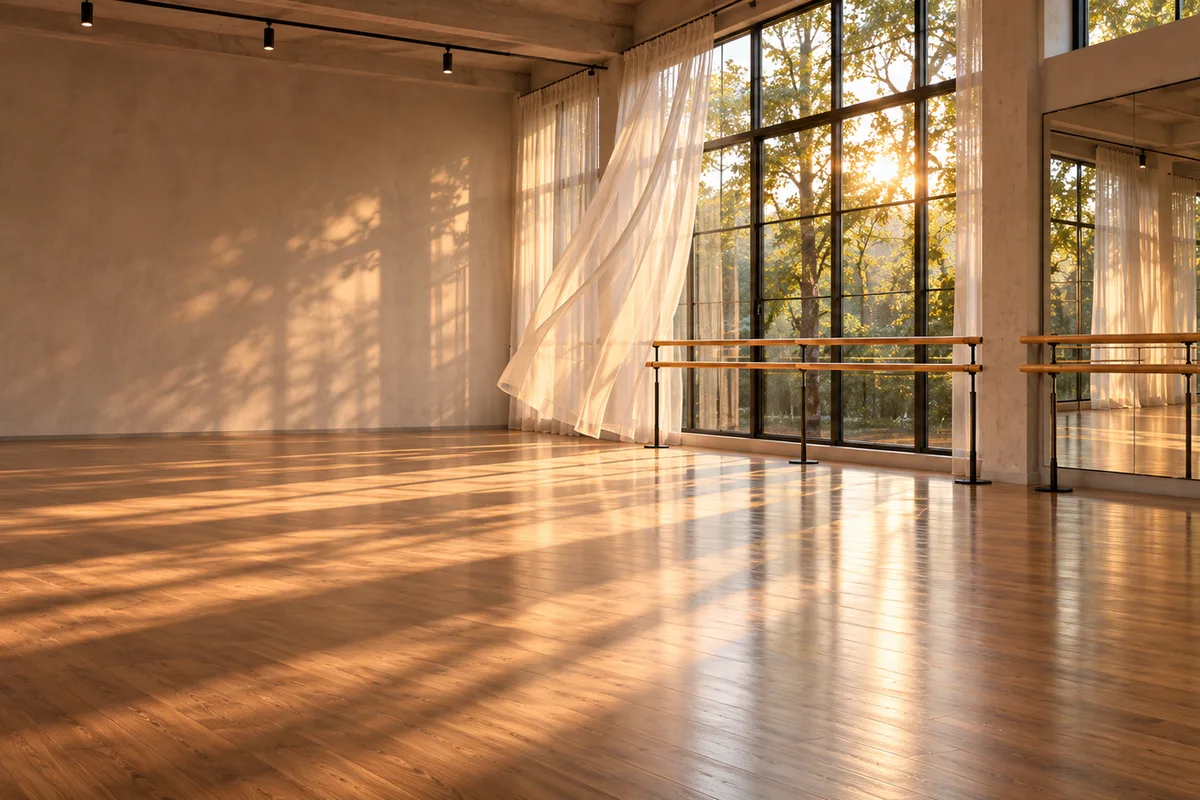
Slow, graceful dance movement of an anonymous silhouetted figure in a warm-lit dance studio, soft rim light, fabric moving gently, minimal camera drift, face not visible, no identifying details, no text, logos or brand marks.
Stage light gesture
Short stylized dance gesture on an empty stage, deep blue and amber beams through haze, slow arm movement and a gentle turn, dramatic rim light, no face or identifying features, no text, logos or readable signage.
Costume detail motion
Close dance-motion study of flowing fabric and dance shoes on a wooden studio floor, soft window light, subtle turn and step, no faces, no logos, no readable text, elegant editorial movement.
Dance clip credit comparison
Credit totals use the current Everygen studio settings and are rounded up to a whole credit for each generation.
| Model | Length | Resolution | Credits |
|---|---|---|---|
| Kling 3.0 Turbo | 4 sec | 720p | 9 |
| Kling 3.0 Turbo | 8 sec | 720p | 18 |
| Seedance 2.5 | 4 sec | 720p | 16 |
| Seedance 2.5 | 4 sec | 1080p | 18 |
What matters most before you generate?
- Start with one clear action and one camera direction so the model has a specific motion to solve.
- Upload a clean first frame whenever product shape or a particular scene must stay consistent.
- Test a short, lower-cost generation before committing to a longer Seedance render.
- Review text, hands, product details, audio and disclosure requirements before publishing.