
How do you create an AI Short from a prompt?
Describe one strong visual moment, set the action in a specific place and choose a camera movement. A short clip needs a readable subject within the first second, not a compressed summary of an entire story.
- Choose a concept that works visually: a reveal, transformation, chase, product interaction or striking environment.
- Use 9:16 and keep the subject inside the central safe area.
- Start with four seconds to validate the motion before paying for a longer clip.
- Add captions and the final hook in an editor when precision matters.
Can Everygen make YouTube Shorts, TikToks and Reels?
Yes. The same 9:16 export can be adapted to YouTube Shorts, TikTok and Instagram Reels. Each platform has different duration, disclosure, music and advertising rules, so review the final clip against the destination before publishing.
Seedance 2.5 supports durations from 4 to 30 seconds and can generate native audio.
Kling 3.0 Turbo supports 4 to 15 seconds at 720p and does not generate audio in Everygen.
The studio outputs video files; scheduling, captions and platform distribution remain separate steps.
What makes an AI-generated Short easier to watch?
A clear subject, immediate motion and a simple visual promise outperform complicated prompts. Give the model one action and one camera direction so it does not have to invent several scene changes inside a short generation.
- Make the subject identifiable in the opening frame.
- Use one location and one continuous camera move.
- Favor physical actions such as running, turning, opening, splashing or revealing.
- Avoid several characters, costume changes or precise text inside one generation.
Which Everygen model can generate Shorts with audio?
Seedance 2.5 supports generated audio and clips up to 30 seconds. Kling 3.0 Turbo does not generate audio, so it is better for silent motion, music-driven edits or a sound layer added in post.
Generated speech should be reviewed for pronunciation, meaning and claims before publishing.
A sound effect or short spoken hook can be described explicitly, but exact branded audio requires careful review or post-production.
How many Shorts can you create with Everygen credits?
The Starter plan’s 900 monthly credits cover 56 four-second Seedance 2.5 clips at 720p or 100 four-second Kling 3.0 Turbo clips. Longer generations reduce that count.
Eight seconds of Seedance 2.5 at 1080p costs 35 credits.
Fifteen seconds of Kling 3.0 Turbo costs 34 credits.
Annual Starter billing begins at $9 per month; Pro and Creator increase the monthly credit allowance.
What are good prompt examples?
Strong prompts describe a visible action, one location and one camera direction. Adapt the subject and product details rather than copying a prompt without checking the result.
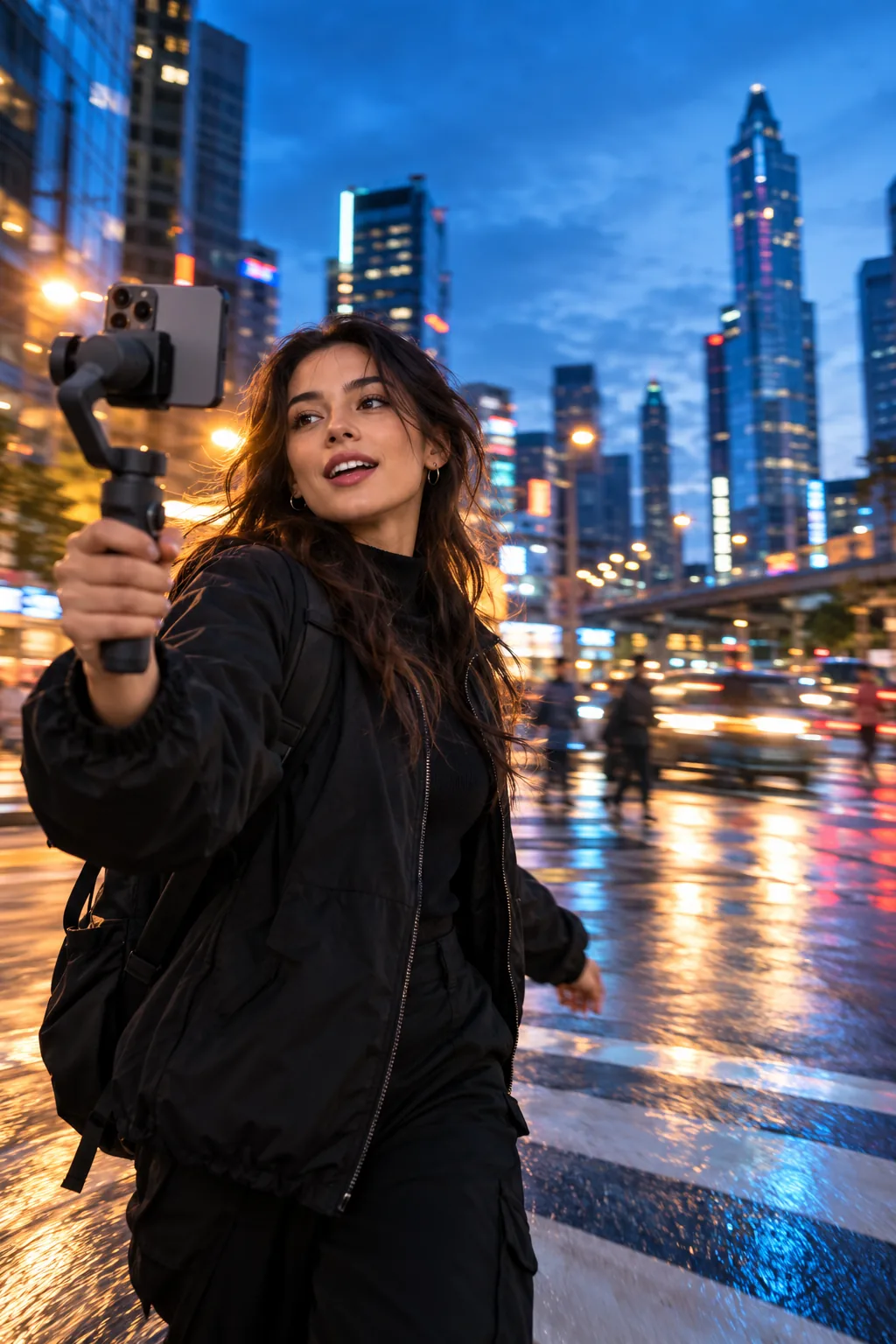
Blue-hour city run
Vertical cinematic tracking shot of a creator running across a wet city crosswalk at blue hour, handheld camera, neon reflections, natural motion, one continuous shot, no text.
Impossible product reveal
A matte black sneaker rises through swirling silver dust in a dark studio, camera circles slowly, crisp product detail, dramatic rim light, single continuous reveal, 9:16.
Tiny-world story
A miniature red sailboat travels through rain-filled cobblestone streets at dusk, low camera near the water, warm lantern reflections, slow forward movement, cinematic realism.
Vertical Shorts credit examples
Credit totals use the current Everygen studio settings and are rounded up to a whole credit for each generation.
| Model | Duration | Resolution | Credits |
|---|---|---|---|
| Kling 3.0 Turbo | 4 sec | 720p | 9 |
| Kling 3.0 Turbo | 15 sec | 720p | 34 |
| Seedance 2.5 | 4 sec | 720p | 16 |
| Seedance 2.5 | 30 sec | 1080p | 132 |
What matters most before you generate?
- Start with one clear action and one camera direction so the model has a specific motion to solve.
- Upload a clean first frame whenever product shape or a particular scene must stay consistent.
- Test a short, lower-cost generation before committing to a longer Seedance render.
- Review text, hands, product details, audio and disclosure requirements before publishing.