
How do interior designers turn renders into videos?
Upload an approved room render or well-lit interior photo as the first frame and describe one movement, such as a slow push toward a window, a lateral glide across a material or curtains shifting in the light. The render anchors layout and finishes while the prompt adds atmosphere without changing the design.
- Use a high-resolution render with clean edges and consistent lighting.
- Describe one camera or environmental movement.
- State which furniture, finishes and room lines must remain fixed.
- Review proportions, materials and openings against the approved design.
Which interior clips work for portfolios and social?
Room reveals, material macros, furniture-detail shots, window-light studies and hospitality interiors work well as short clips. The strongest approach is one room and one design idea per clip rather than asking the model to invent a full home tour or a new layout.
Use 16:9 for portfolios, client decks and websites.
Use 9:16 for Reels, TikTok and Shorts room hooks.
Use material macros to show stone, timber, textile and metal.
Keep people and personal belongings secondary when the design is the subject.
How can you animate a room without changing the design?
Start from the approved render, name the fixed elements and keep motion restrained. Avoid prompts that add furniture, remove walls, change window openings or invent a different material. Compare every frame with the design intent and use the original drawings for technical review.
- Describe light and camera movement rather than rebuilding the room in text.
- Avoid asking the model to add rooms or furniture not in the render.
- Keep exact dimensions, product names and specifications outside the frame.
- Use the approved render and drawings for client sign-off.
Should interior clips use Seedance 2.5 or Kling 3.0 Turbo?
Kling 3.0 Turbo is a lower-cost way to test short 720p room and material motion. Seedance 2.5 is better when the final concept needs 1080p, a longer duration, additional aspect ratios or native ambience. Neither model guarantees dimensional or material accuracy.
Kling 3.0 Turbo costs 9 credits for 4 seconds and 18 credits for 8 seconds at 720p.
Seedance 2.5 costs 16 credits for 4 seconds at 720p and 18 credits at 1080p.
Test one room reveal and one material detail before producing a portfolio set.
What can Everygen not guarantee for interior design?
Everygen cannot import CAD, BIM, floor plans or furniture catalogs, and it does not create a true 3D walkthrough. It cannot guarantee dimensions, material behavior, product accuracy, code compliance or that generated furniture matches the approved specification. Generated clips are visual concepts, not technical documentation.
Use approved renders and drawings for design verification.
Do not present a generated view as an additional approved elevation.
Check furniture, finishes, openings and proportions in every frame.
Disclose synthetic visualization where the client or platform requires it.
What are good prompt examples?
Strong prompts describe a visible action, one location and one camera direction. Adapt the subject and product details rather than copying a prompt without checking the result.
Living room light study
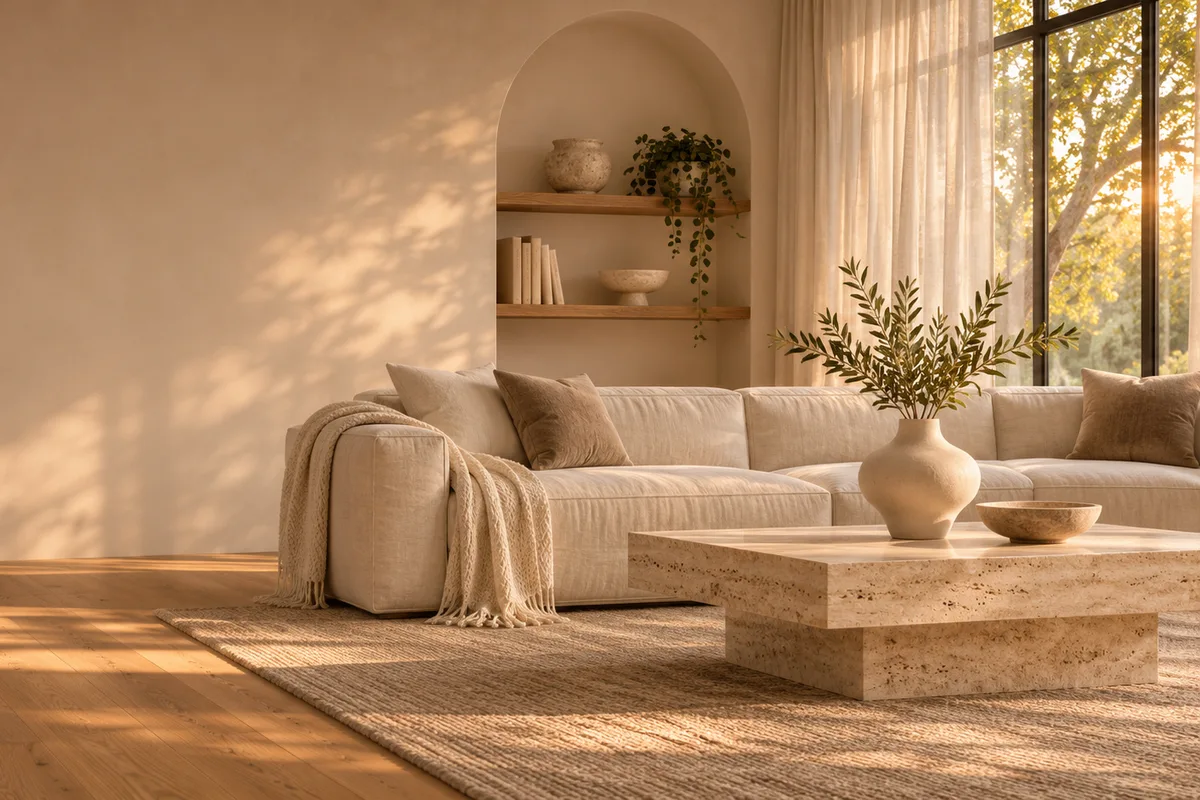
Slow lateral camera glide through an unbranded modern living room, warm late-afternoon sunlight moves across oak flooring and a linen sofa, sheer curtains shift gently, preserve furniture layout, window openings and material colors, no people or text.
Material macro
Macro camera move across a travertine wall, brushed oak cabinetry and a soft boucle textile, natural side light reveals texture and fine detail, shallow depth of field, preserve material color and seams, no labels or logos.
Kitchen detail reveal
Gentle push toward an unbranded minimal kitchen island at golden hour, stone countertop, matte cabinetry and a single ceramic bowl, warm light moves across the surface, preserve geometry and finishes, no people, text or brand marks.
Interior design clip credit comparison
Credit totals use the current Everygen studio settings and are rounded up to a whole credit for each generation.
| Model | Length | Resolution | Credits |
|---|---|---|---|
| Kling 3.0 Turbo | 4 sec | 720p | 9 |
| Kling 3.0 Turbo | 8 sec | 720p | 18 |
| Seedance 2.5 | 4 sec | 720p | 16 |
| Seedance 2.5 | 4 sec | 1080p | 18 |
What matters most before you generate?
- Start with one clear action and one camera direction so the model has a specific motion to solve.
- Upload a clean first frame whenever product shape or a particular scene must stay consistent.
- Test a short, lower-cost generation before committing to a longer Seedance render.
- Review text, hands, product details, audio and disclosure requirements before publishing.