
How do educators create visual explainers with AI?
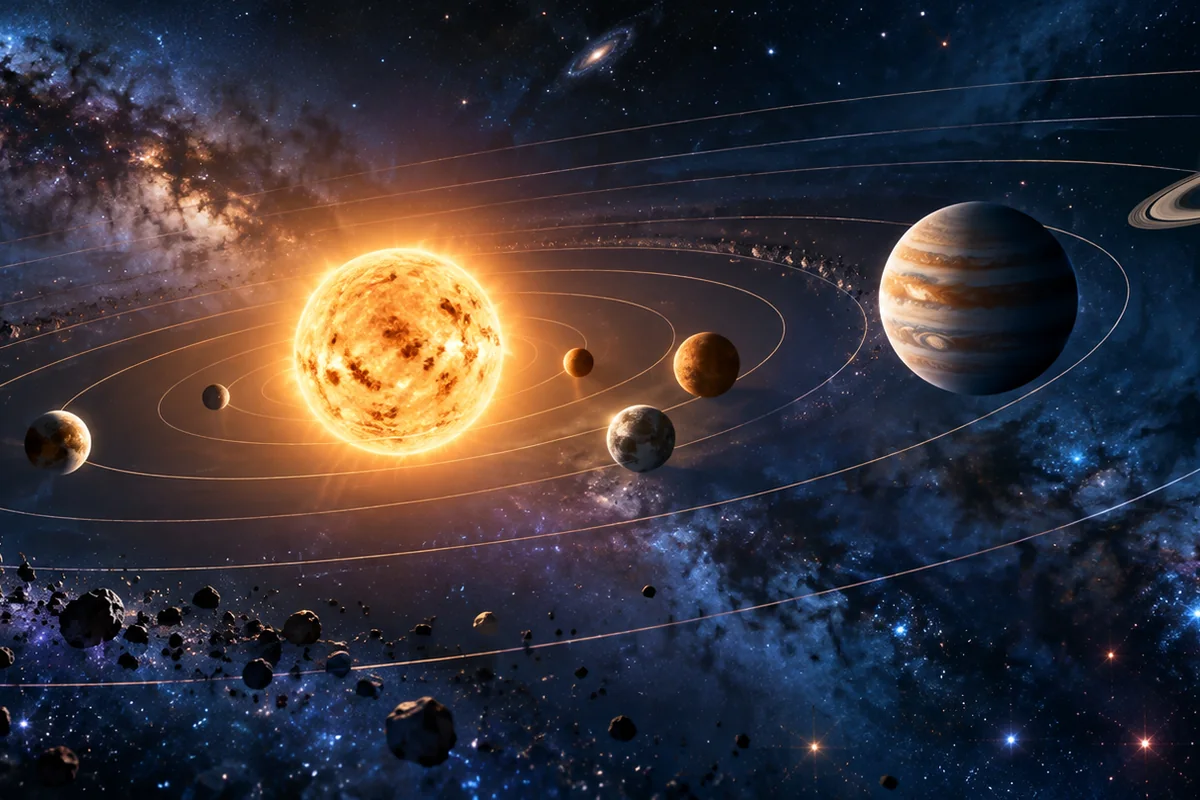
Define one concept, the action that explains it and what viewers must notice. Generate a short scene, then add the verified explanation through narration or captions in an editor. For example, animate a planet’s orbit as one continuous shot instead of asking the model to teach the entire solar system.
- Choose one question the clip must answer.
- Describe a visible mechanism, transformation or scale comparison.
- Keep exact labels, equations and citations outside generated frames.
- Review the result with a subject-matter expert before publishing.
Which educational topics fit AI video generation?
AI clips work well for atmosphere, motion and abstract visualization: ocean currents, planetary movement, historical environments, architectural scale, mechanical motion or aesthetic examples. They are weaker for exact diagrams, mathematical proofs, chemical structures, medical guidance and any topic where a small visual error changes the meaning.
Use a diagram image when the relationship between parts is already defined.
Use text-to-video for mood, environments and conceptual motion.
Keep the lesson’s factual explanation in reviewed narration and captions.
Generate individual clips for complex topics rather than one multi-scene lesson.
How can you animate a diagram without changing its meaning?
Start from an accurate first-frame diagram and describe only the mechanism or camera movement. Request that labels, boundaries, proportions and relationships remain fixed. Because generated labels and geometry can drift, replace generated text with editor overlays and compare the result against the authoritative source.
- Remove or replace sensitive labels before using the source image.
- Describe one movement instead of a sequence of transformations.
- Check arrows, colors, proportions and sequence before publishing.
- Use reviewed captions to carry exact terminology and caveats.
Which Everygen model is best for educational clips?
Kling 3.0 Turbo is a lower-cost way to test short 720p motion. Seedance 2.5 is better for 1080p, longer clips, additional aspect ratios and native audio. Neither model replaces expert fact-checking, caption review or source citations.
Kling 3.0 Turbo costs 9 credits for 4 seconds and 18 credits for 8 seconds at 720p.
Seedance 2.5 costs 16 credits for 4 seconds at 720p and 18 credits at 1080p.
Use short tests to check whether the visual metaphor communicates the concept clearly.
What can Everygen not do for educational content?
Everygen cannot import a slide deck, PDF, URL or learning-management-system course and turn it into a verified lesson. It does not provide a talking avatar, automatic assessment or factual certification. It may alter labels, scales, structures and cause-and-effect relationships, so the final explanation must be reviewed by a qualified educator or expert.
Do not use generated visuals as sole evidence for medical, safety or scientific claims.
Replace generated text with reviewed captions and accessible transcripts.
Cite the source used to verify the visual relationships.
Remove any clip that changes the meaning of the original diagram.
What are good prompt examples?
Strong prompts describe a visible action, one location and one camera direction. Adapt the subject and product details rather than copying a prompt without checking the result.
Planetary orbit concept
Original stylized science visualization of a small rocky planet tracing a single elliptical orbit around a glowing star in a dark void, smooth continuous orbital motion, subtle starlight, accurate relative motion direction, no text or labels, slow stable camera, educational motion graphic.
Ocean current visualization
Abstract educational visualization of a warm ocean current moving through deep blue water, organic ribbons of lighter current flow across a stylized ocean surface, slow overhead camera drift, clear directional motion, no coastlines, arrows or labels, calm scientific aesthetic.
Historical street atmosphere
Atmospheric educational reconstruction of a quiet European market street in the early nineteenth century, modest stone buildings, horses and wooden carts, soft morning haze, slow stable camera push, realistic period materials, no visible modern objects, no readable signs or logos.
Educational clip credit comparison
Credit totals use the current Everygen studio settings and are rounded up to a whole credit for each generation.
| Model | Length | Resolution | Credits |
|---|---|---|---|
| Kling 3.0 Turbo | 4 sec | 720p | 9 |
| Kling 3.0 Turbo | 8 sec | 720p | 18 |
| Seedance 2.5 | 4 sec | 720p | 16 |
| Seedance 2.5 | 4 sec | 1080p | 18 |
What matters most before you generate?
- Start with one clear action and one camera direction so the model has a specific motion to solve.
- Upload a clean first frame whenever product shape or a particular scene must stay consistent.
- Test a short, lower-cost generation before committing to a longer Seedance render.
- Review text, hands, product details, audio and disclosure requirements before publishing.