
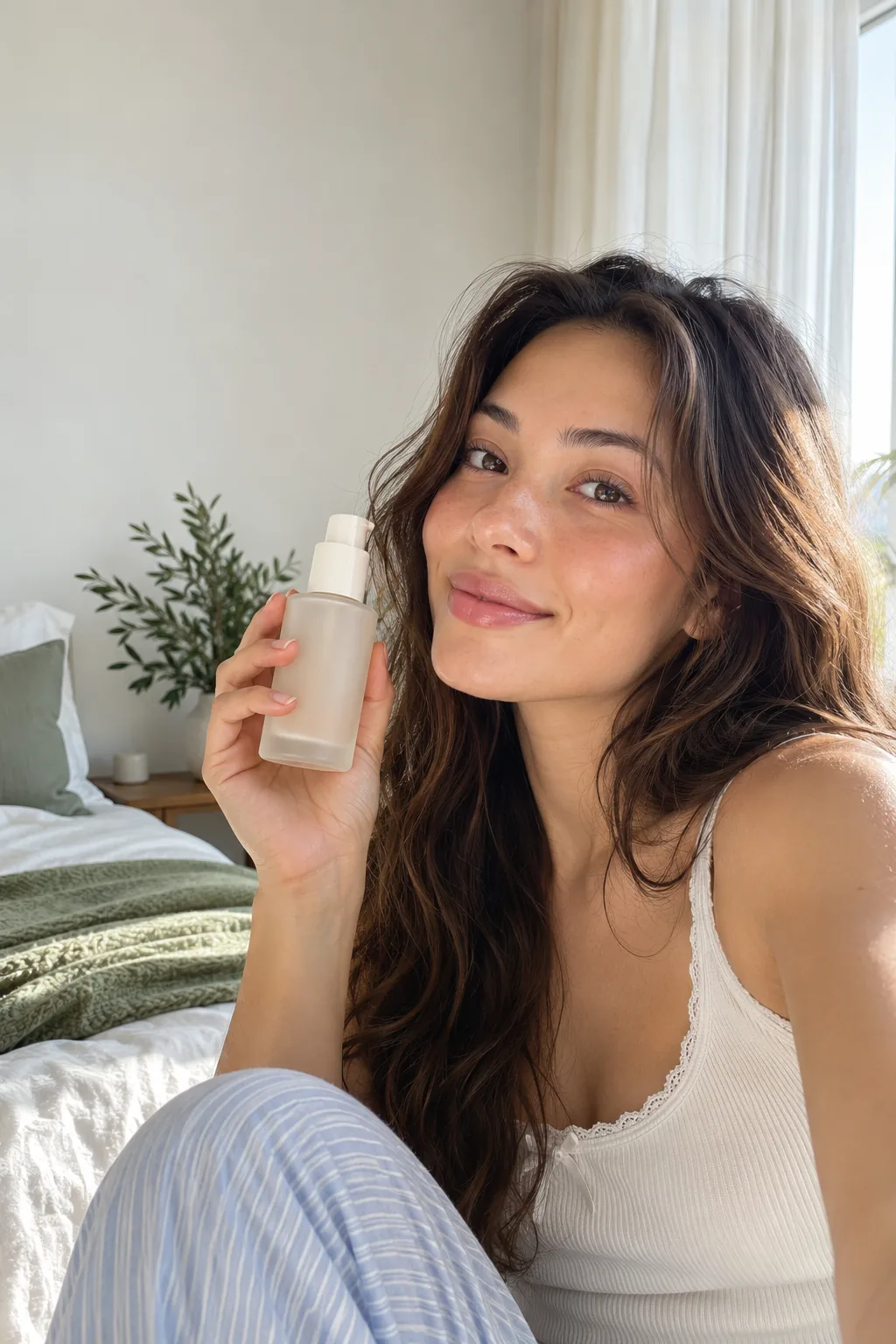
How do you make a UGC-style video with AI?
Upload a product still if you have one, describe the creator and setting, then generate a short vertical clip. The clearest results come from one action, one camera style and one subject per generation.
- Choose a reference image when the product shape, label or color must stay consistent.
- Describe the creator naturally: framing, clothing, setting, expression and what their hands are doing.
- Write camera language such as handheld selfie, close product insert or slow push-in.
- Generate a short take first, review the hand and product details, then extend the concept.
What makes an AI UGC video feel native to social feeds?
A believable UGC clip feels captured in a real place, shows one obvious product interaction and avoids commercial-studio polish. Natural window light, imperfect framing and a specific room or street do more than generic words such as “viral” or “authentic.”
Everygen can generate a creator-led scene, but it does not provide a preset talking-avatar library or automatic lip-sync. Prompts and first-frame images control the visual direction.
For product ads, keep claims factual. Do not ask the model to invent a testimonial, medical result or performance claim that a real customer has not provided.
Can you create a UGC ad from a product image?
Yes. Everygen supports image-to-video generations with a first-frame reference in both Seedance 2.5 and Kling 3.0 Turbo. The image anchors the product while the prompt controls motion, environment and camera movement.
- Use a sharp, well-lit product image with a clean silhouette.
- Avoid tiny printed text; the generator may alter or blur small label details.
- Describe how the product should be held, revealed or placed rather than asking for an entirely new object.
- Check the final frame for shape, color, hands and packaging accuracy before publishing.
How much does an AI UGC video cost in Everygen credits?
A four-second, 720p Seedance 2.5 clip costs 16 credits. A four-second Kling 3.0 Turbo clip costs 9 credits. Longer clips scale with duration, and Seedance also increases in cost at 1080p.
The Starter plan includes 900 credits per month, enough for 56 four-second Kling 3.0 Turbo clips or 56 four-second Seedance 2.5 clips at 720p before any extra usage.
The Pro plan includes 1,900 credits per month and the Creator plan includes 3,800 credits per month. Annual billing starts at $9 per month for Starter.
What should you review before publishing an AI UGC ad?
Review product accuracy, hand movement, spoken audio, disclosure requirements and the advertising rules of the platform where the clip will run. A convincing visual does not remove the need for truthful claims and appropriate AI disclosure.
- Confirm that any spoken line in the generated video matches an approved claim.
- Check the final clip for warped packaging, extra fingers, unstable product geometry or changing logos.
- Add captions, brand disclaimers or AI disclosure in an editor when the campaign requires them.
- Test a hook in the first one to two seconds rather than relying on the generation prompt alone.
What are good prompt examples?
Strong prompts describe a visible action, one location and one camera direction. Adapt the subject and product details rather than copying a prompt without checking the result.
Skincare selfie
Handheld selfie video in a bright bedroom, a creator in her late twenties holds an unbranded amber glass serum bottle beside her face, soft morning window light, natural smile, slight camera sway, realistic skin texture, 9:16.
Kitchen product demo
Close chest-up shot of a home cook opening a matte silver blender cup, steam rising from a smoothie, warm kitchen daylight, one smooth push-in, candid movement, no on-screen text.
Streetwear try-on
Vertical mirror video in a minimal apartment, creator turns once to show a charcoal oversized jacket, phone-camera perspective, soft window light, subtle fabric movement, single continuous action.
UGC clip credit comparison
Credit totals use the current Everygen studio settings and are rounded up to a whole credit for each generation.
| Model | Length | Resolution | Credits |
|---|---|---|---|
| Seedance 2.5 | 4 sec | 720p | 16 |
| Seedance 2.5 | 8 sec | 1080p | 35 |
| Kling 3.0 Turbo | 4 sec | 720p | 9 |
| Kling 3.0 Turbo | 10 sec | 720p | 23 |
What matters most before you generate?
- Start with one clear action and one camera direction so the model has a specific motion to solve.
- Upload a clean first frame whenever product shape or a particular scene must stay consistent.
- Test a short, lower-cost generation before committing to a longer Seedance render.
- Review text, hands, product details, audio and disclosure requirements before publishing.