
How do Shopify merchants create product videos with AI?
Upload a clean product photo as the first frame and describe one motion idea, such as a slow rotation, light sweeping across the surface or a gentle camera push. The still anchors product shape and color while the prompt adds movement, so the clip can sit on a product page or feed without a full production shoot.
- Use a sharp product image with consistent lighting.
- Describe one movement in the product, light or camera.
- Keep prices, offers and exact specifications outside the generated frame.
- Check product shape, color and packaging against the real item.
Which Shopify placements fit short AI clips?
Product-gallery videos, collection banners, homepage hero backgrounds, email teasers and paid social hooks fit short generated clips. The strongest approach is one product and one visual idea per asset, with separate versions for square, vertical and landscape placements rather than one crop reused everywhere.
Use 1:1 for product grids and collection tiles.
Use 9:16 for Reels, TikTok and Shorts ad hooks.
Use 16:9 for homepage and collection hero banners.
Generate the final ratio instead of cropping a single master clip.
How do you handle autoplay, mute and aspect ratio?
Many Shopify themes autoplay product videos muted, but behavior depends on the theme and placement. Create a clip that still communicates without sound, keep the product centered in the safe area, and test the final export on the live theme. Add captions and audio in your editor if the placement allows sound.
- Assume muted autoplay for product-gallery and hero videos.
- Keep important product detail inside the central safe area.
- Test file size, loop behavior and loading speed on the live theme.
- Provide a static image fallback where autoplay is unavailable.
Should Shopify clips use Seedance 2.5 or Kling 3.0 Turbo?
Kling 3.0 Turbo is a lower-cost way to test short 720p product motion. Seedance 2.5 is better when the final concept needs 1080p, a longer duration, additional aspect ratios or native ambience. Neither model guarantees product accuracy or theme compatibility.
Kling 3.0 Turbo costs 9 credits for 4 seconds and 18 credits for 8 seconds at 720p.
Seedance 2.5 costs 16 credits for 4 seconds at 720p and 18 credits at 1080p.
Test one product and one placement before producing a full store set.
What can Everygen not do for a Shopify store?
Everygen is not a Shopify app and does not import products, sync inventory or install into a theme. It does not guarantee autoplay, file-size limits, product accuracy or conversion performance, and it does not manage Shopify Ads, pixels or analytics. The final clip must be reviewed, compressed and uploaded through your own store workflow.
Use verified product photography for exact color, label and specification representation.
Test theme autoplay, mute and file limits before publishing.
Add offers, disclaimers and product claims in Shopify or an editor.
Disclose synthetic imagery where the platform or brand requires it.
What are good prompt examples?
Strong prompts describe a visible action, one location and one camera direction. Adapt the subject and product details rather than copying a prompt without checking the result.
Tech accessory desk
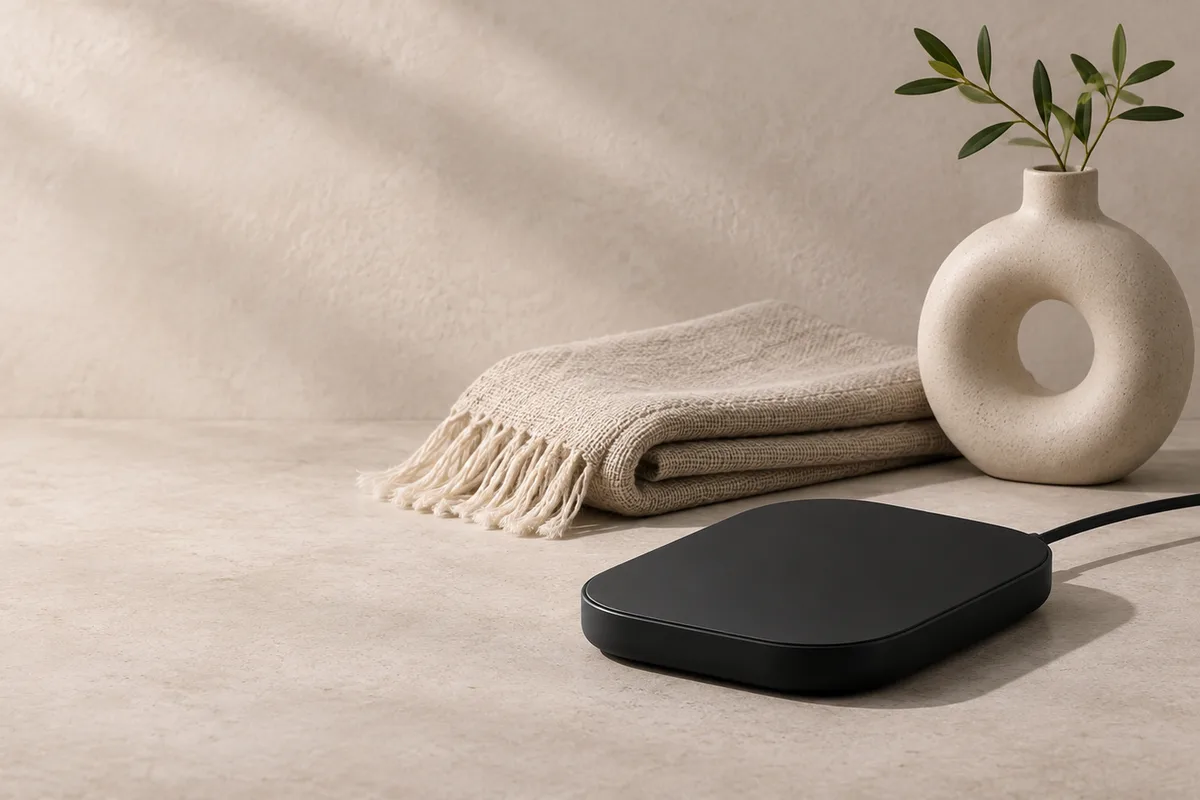
Slow half rotation of an unbranded matte black tech accessory on a pale stone desk, soft directional light moves across the surface, subtle shadow shift, clean DTC product-video style, preserve object silhouette and material texture, no text or logos.
Home goods still life
Gentle camera push toward an unbranded ceramic vase and folded linen on a warm neutral surface, late-afternoon window light, soft shadow movement, calm minimalist styling, preserve product shape and material detail, no people, text or brand marks.
Streetwear flat lay
Top-down slow glide across an unbranded folded jacket and canvas backpack on a concrete surface, natural side light, fabric texture and hardware detail, subtle breeze moves a loose strap, preserve color and construction, no readable labels or logos.
Shopify clip credit comparison
Credit totals use the current Everygen studio settings and are rounded up to a whole credit for each generation.
| Model | Length | Resolution | Credits |
|---|---|---|---|
| Kling 3.0 Turbo | 4 sec | 720p | 9 |
| Kling 3.0 Turbo | 8 sec | 720p | 18 |
| Seedance 2.5 | 4 sec | 720p | 16 |
| Seedance 2.5 | 4 sec | 1080p | 18 |
What matters most before you generate?
- Start with one clear action and one camera direction so the model has a specific motion to solve.
- Upload a clean first frame whenever product shape or a particular scene must stay consistent.
- Test a short, lower-cost generation before committing to a longer Seedance render.
- Review text, hands, product details, audio and disclosure requirements before publishing.