
Reusable Kling 3.0 Turbo prompt template
Use short phrases. Kling’s prompt field is much shorter than Seedance’s, so every sentence should describe something visible.
[subject] [single action] in [one location], [lighting]. Camera: [one move]. Keep visible: [one detail]. No text, no logos, no cuts.
How should you write a Kling 3.0 Turbo prompt?
Use a compact shot line: subject, action, location, lighting and one camera move. Add a single detail that must stay visible, then stop. The short format rewards clarity over exhaustive description.
- Subject: one person, object or animal.
- Action: one movement that fits 4–15 seconds.
- Location and light: one place and one light condition.
- Camera: one move or a locked frame.
Why does the 2,500-character limit matter?
The Everygen prompt field accepts up to 2,500 characters for Kling 3.0 Turbo, far less than Seedance’s 20,480. Long backstories, multiple beats and repeated style words crowd out the visual instructions that control the clip.
Write the shot in one or two sentences first.
Remove synonyms and repeated quality words.
Move dialogue, captions and story context to post-production.
How do you direct motion in a short Kling clip?
Choose an action that can complete inside the selected duration. A turn, reveal, step, open or single camera push is easier to resolve than a fight scene or a multi-stage transformation.
- Match action length to 4, 8 or 15 seconds.
- Use one camera behavior, such as handheld follow or locked-off push-in.
- Avoid cuts, scene changes and simultaneous actions.
- Test fast motion in a short low-cost draft first.
How do you use a first-frame image with Kling?
Upload a JPG, PNG or WebP image and describe the motion that should follow it. Kling uses the image as the starting composition, so the prompt should direct change rather than redescribe the whole scene.
- Use a sharp, well-lit image with a clear subject.
- Describe one motion and one camera move.
- State what should stay consistent, such as product shape or clothing.
- Review the first and last frames for drift or warping.
How much does a Kling 3.0 Turbo generation cost?
Kling costs 2.25 credits per second at 720p. A four-second clip is 9 credits, a ten-second clip is 23 credits and a fifteen-second clip is 34 credits.
Starter includes 900 credits per month, enough for 100 four-second clips.
Pro includes 1,900 credits and Creator includes 3,800 credits per month.
Kling does not generate audio in the current studio.
When should you use Kling instead of Seedance?
Use Kling for short silent 720p tests, rapid prompt variations and budget drafts. Move to Seedance 2.5 when the final shot needs audio, 1080p, more than 15 seconds or a wider choice of aspect ratios.
A four-second Kling clip costs 9 credits versus 16 for Seedance at 720p.
Kling stops at 15 seconds; Seedance reaches 30 seconds.
Both models support text-to-video and first-frame image-to-video.
What are good prompt examples?
Strong prompts describe a visible action, one location and one camera direction. Adapt the subject and product details rather than copying a prompt without checking the result.
Product loop
A silver headphone case opens slowly on a wet black surface, cool rim light, shallow water ripples, locked macro camera, one continuous motion, no logos.
Street run
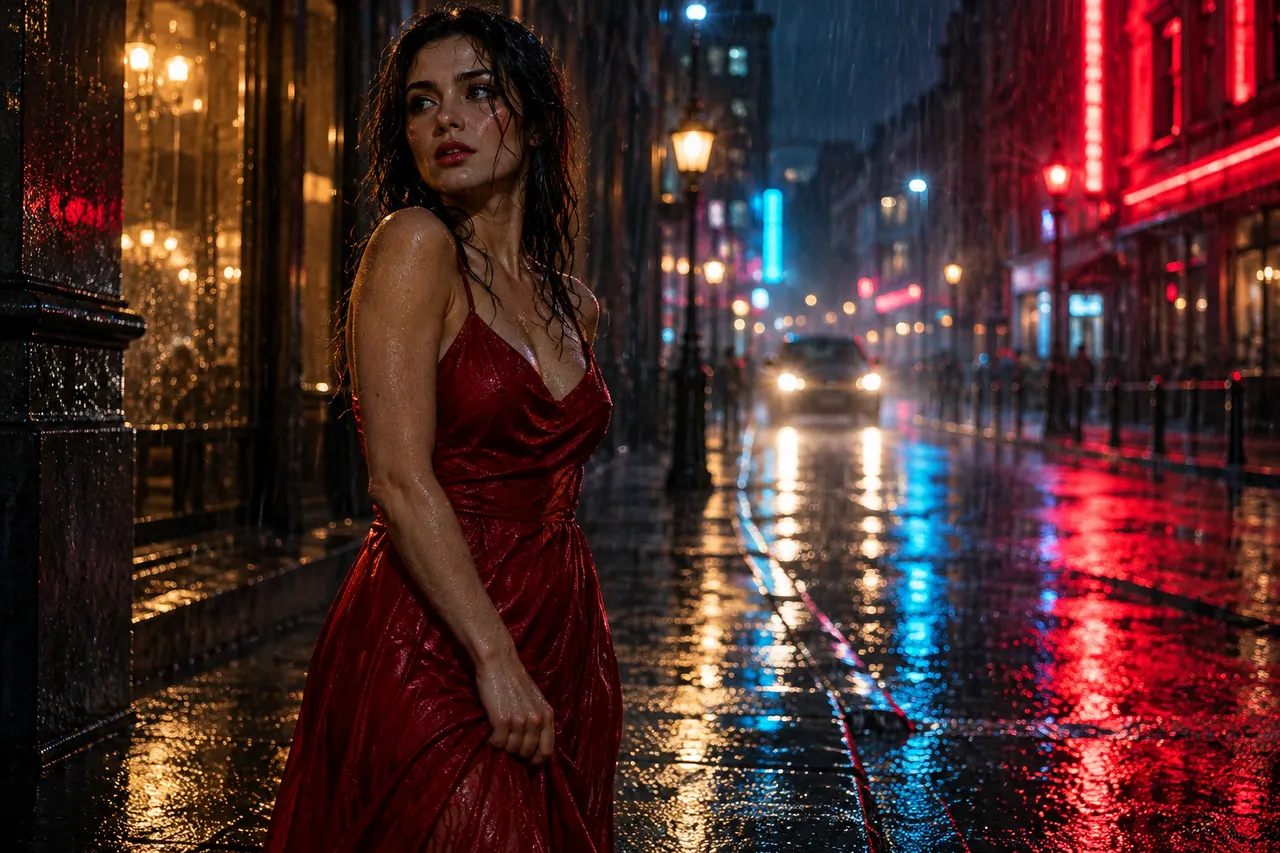
A young runner turns a rain-soaked street corner at night, handheld camera follows from behind, neon reflections stretch across the pavement, realistic stride, 16:9.
Landscape reveal
Camera pushes through low cloud to reveal a misty mountain valley at first light, layered ridges, slow continuous move, cold blue shadows, 16:9.
Kling 3.0 Turbo prompt patterns
Credit totals use the current Everygen studio settings and are rounded up to a whole credit for each generation.
| Goal | Prompt pattern | Example cue |
|---|---|---|
| Quick product test | Product + one action + locked camera | Case opens on wet stone, macro |
| Character motion | Person + one full-body action + follow camera | Runner turns a corner, handheld follow |
| Landscape reveal | Place + one camera move + weather | Push through fog, first light on ridge |
| Animate a still | First frame + one motion + consistency cue | Jacket moves in wind, keep shape |
| Budget draft | Short prompt + 4 sec + 720p | One action, one light, one move |
Kling 3.0 Turbo prompt credit examples
Credit totals use the current Everygen studio settings and are rounded up to a whole credit for each generation.
| Duration | Resolution | Credits |
|---|---|---|
| 4 sec | 720p | 9 |
| 5 sec | 720p | 12 |
| 10 sec | 720p | 23 |
| 15 sec | 720p | 34 |
Is the prompt ready to generate?
- One subject and one action fit inside 15 seconds.
- The location and lighting are stated in one short phrase.
- Exactly one camera move is described.
- The prompt avoids cuts, scene changes and multiple beats.
- The detail that must stay consistent is named.
- No logos, captions or exact text are requested.
- The draft uses 720p and a short duration before a final render.